Hi! I’m Chris,
Bridging UX, business strategy, and behavioral psychology to ship measurable results in products used by billions.
Read the case studies
Trusted by teams at
and many more
Case Studies
LinkedIn · 2025
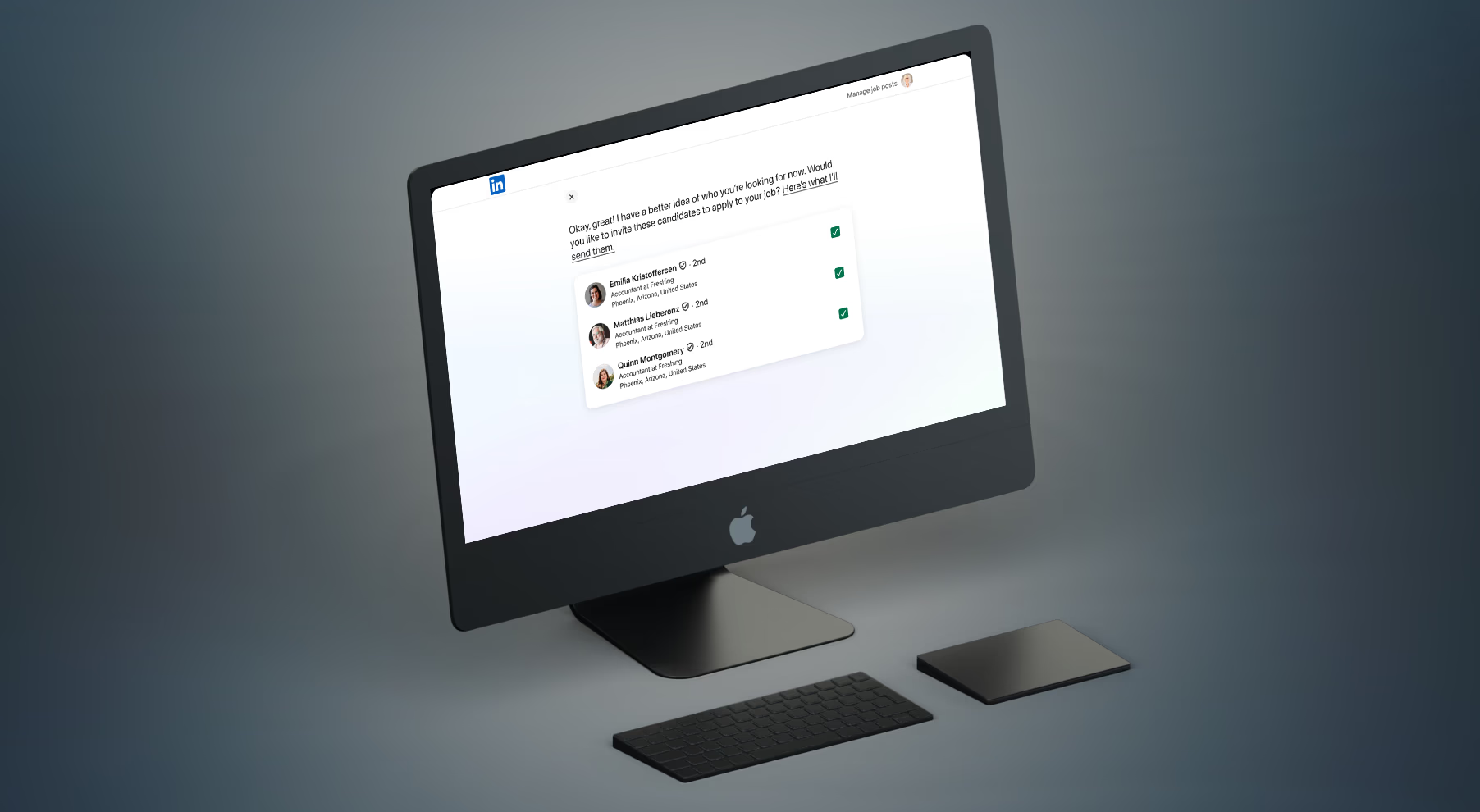
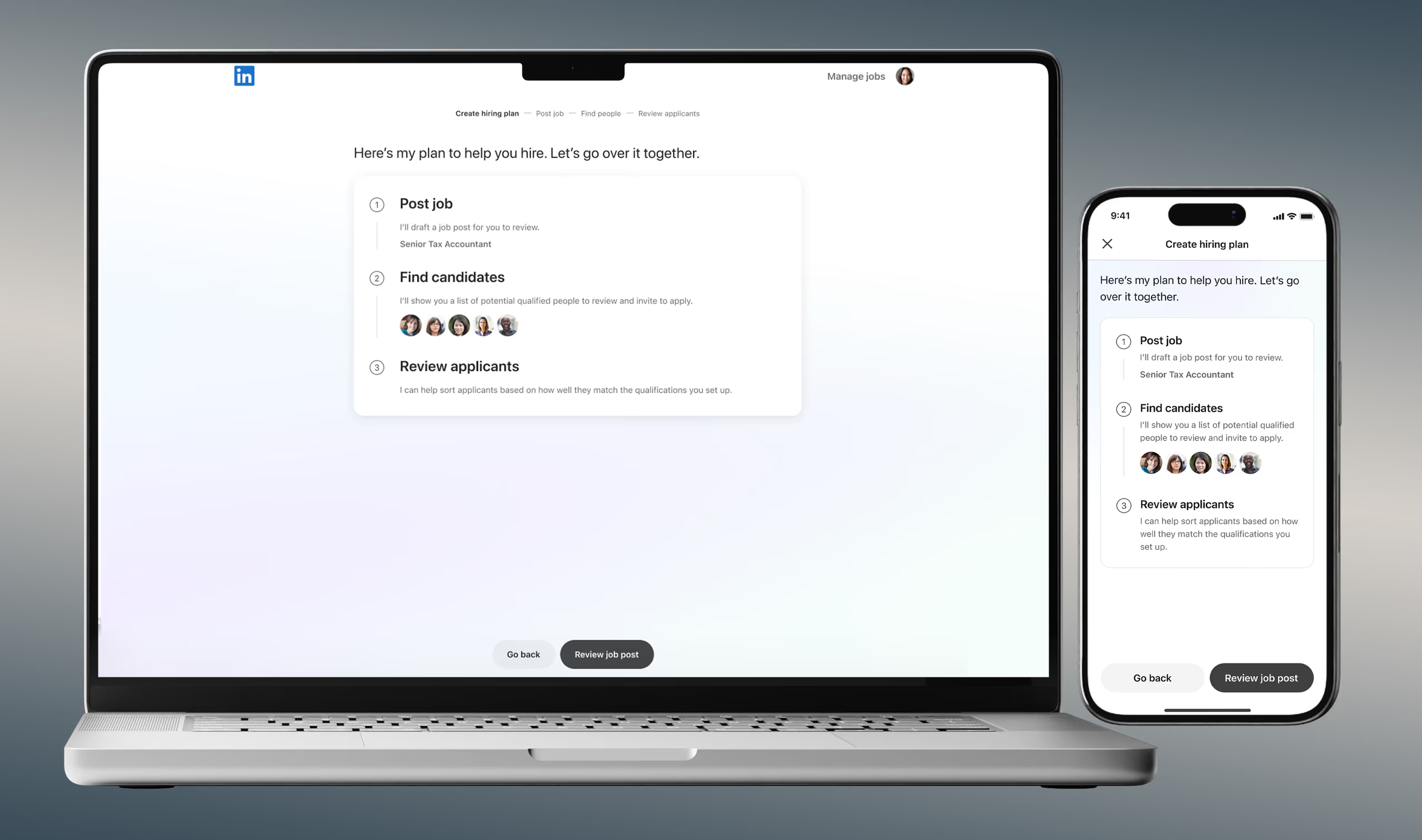
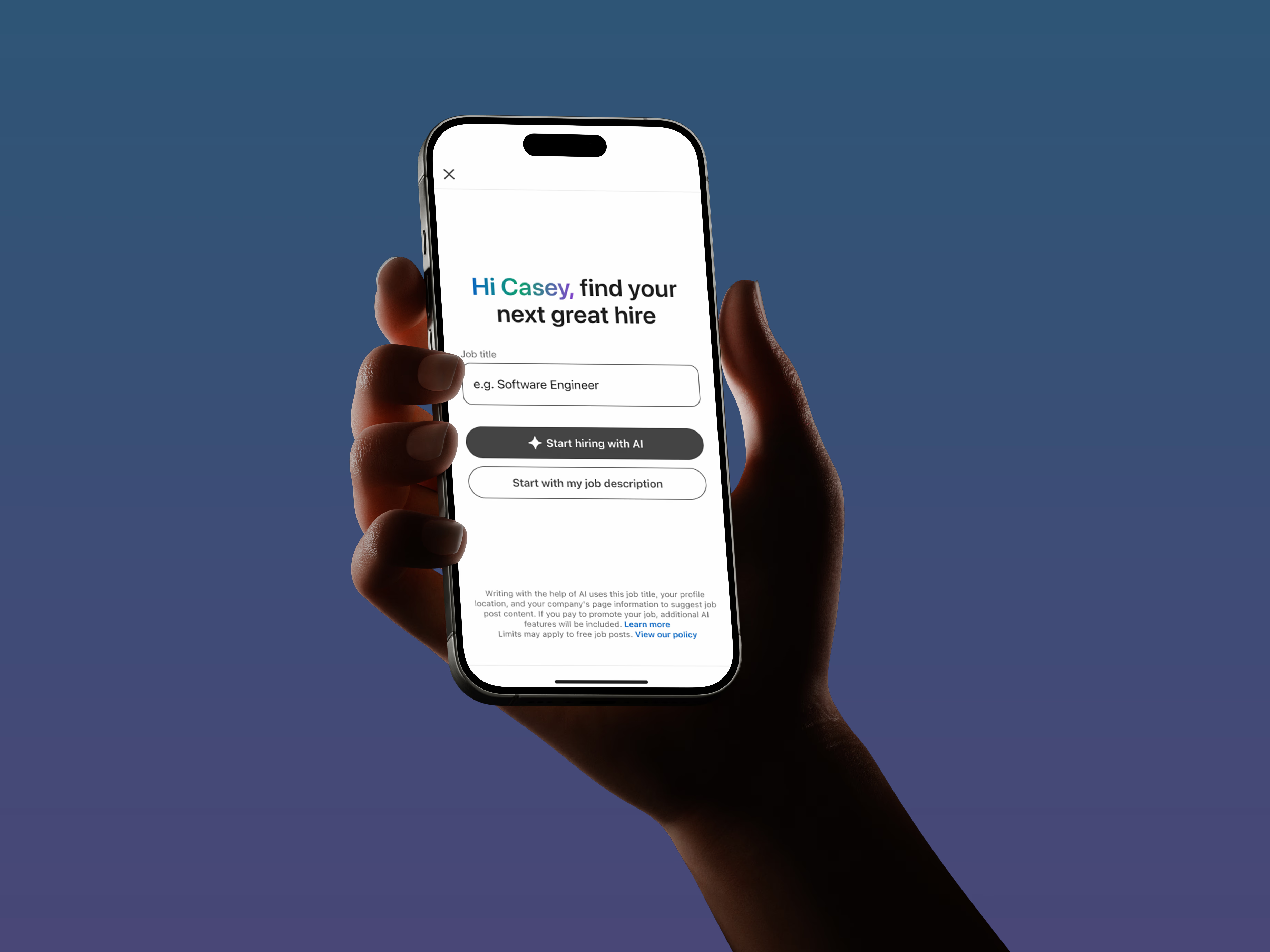
Led product design for Hiring Assistant, an AI agent that transformed how recruiters source and engage candidates — earning the Company Innovation Award.
6%
Revenue lift
🏆
Innovation Award winner
Intuit · 2024
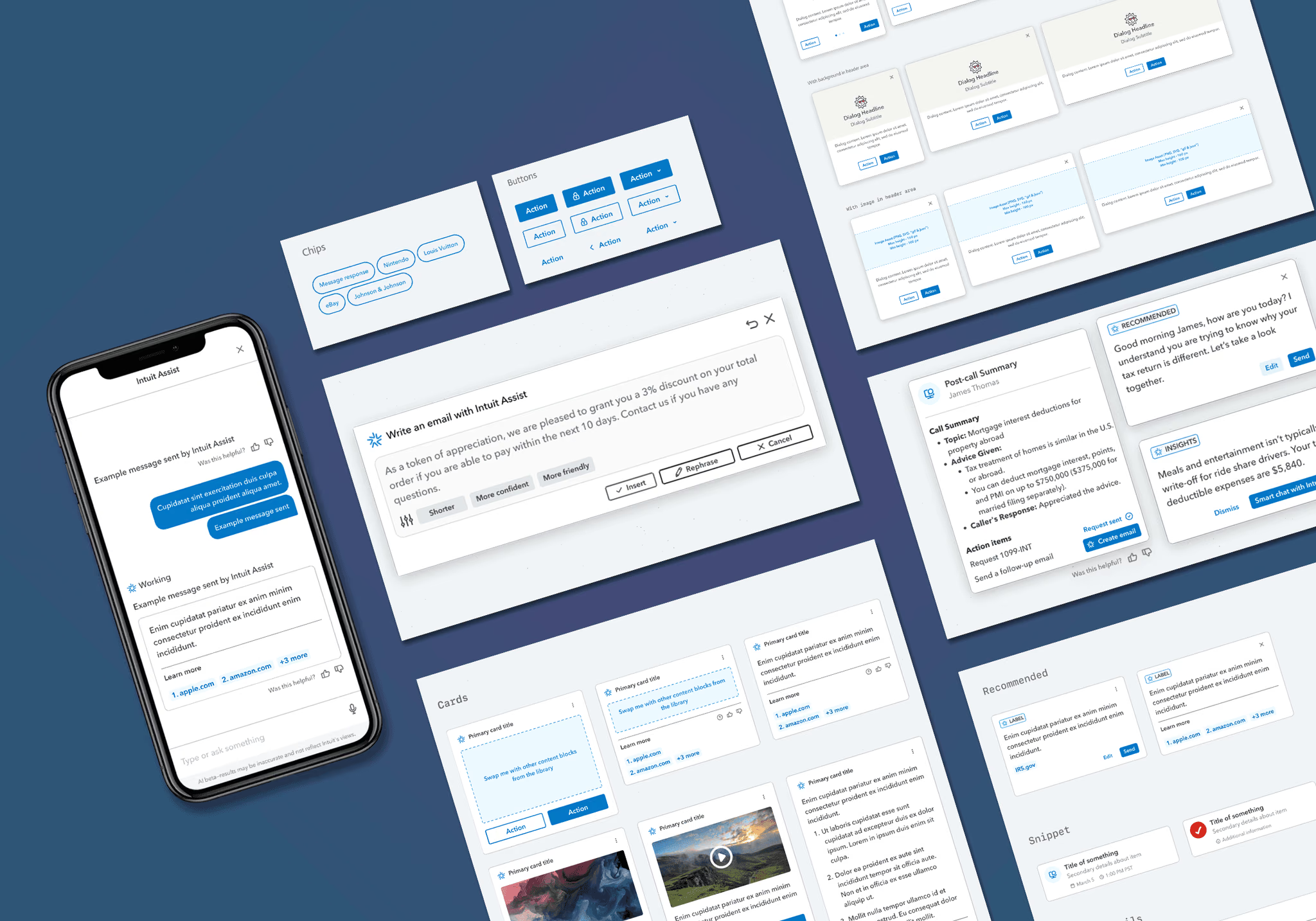
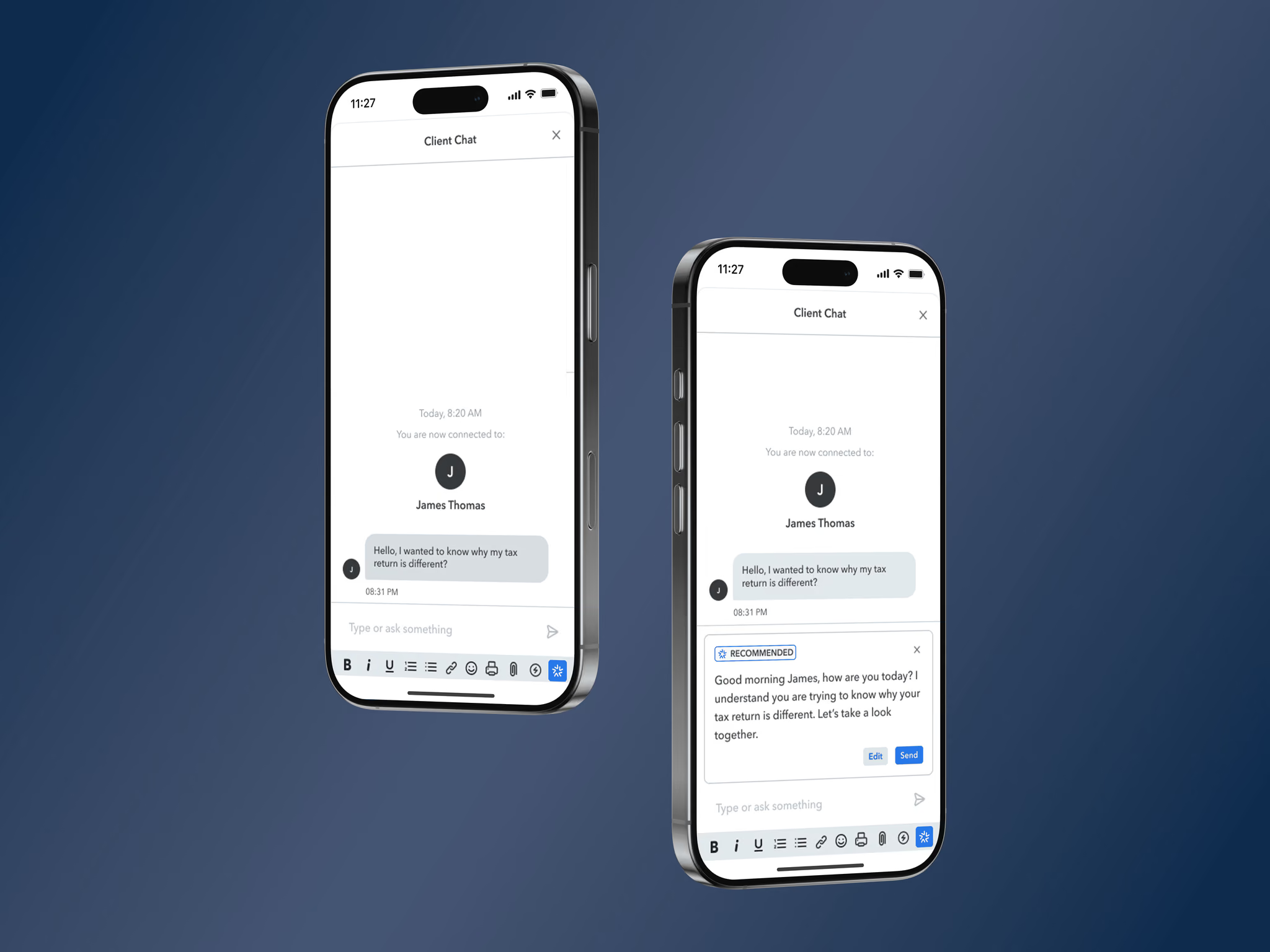
Designed Intuit Assist, an AI copilot that helped tax experts respond faster, communicate with empathy, and strengthen customer relationships at scale.
+12
NPS increase
15 min
Reduction in avg handle times
Meta · 2022
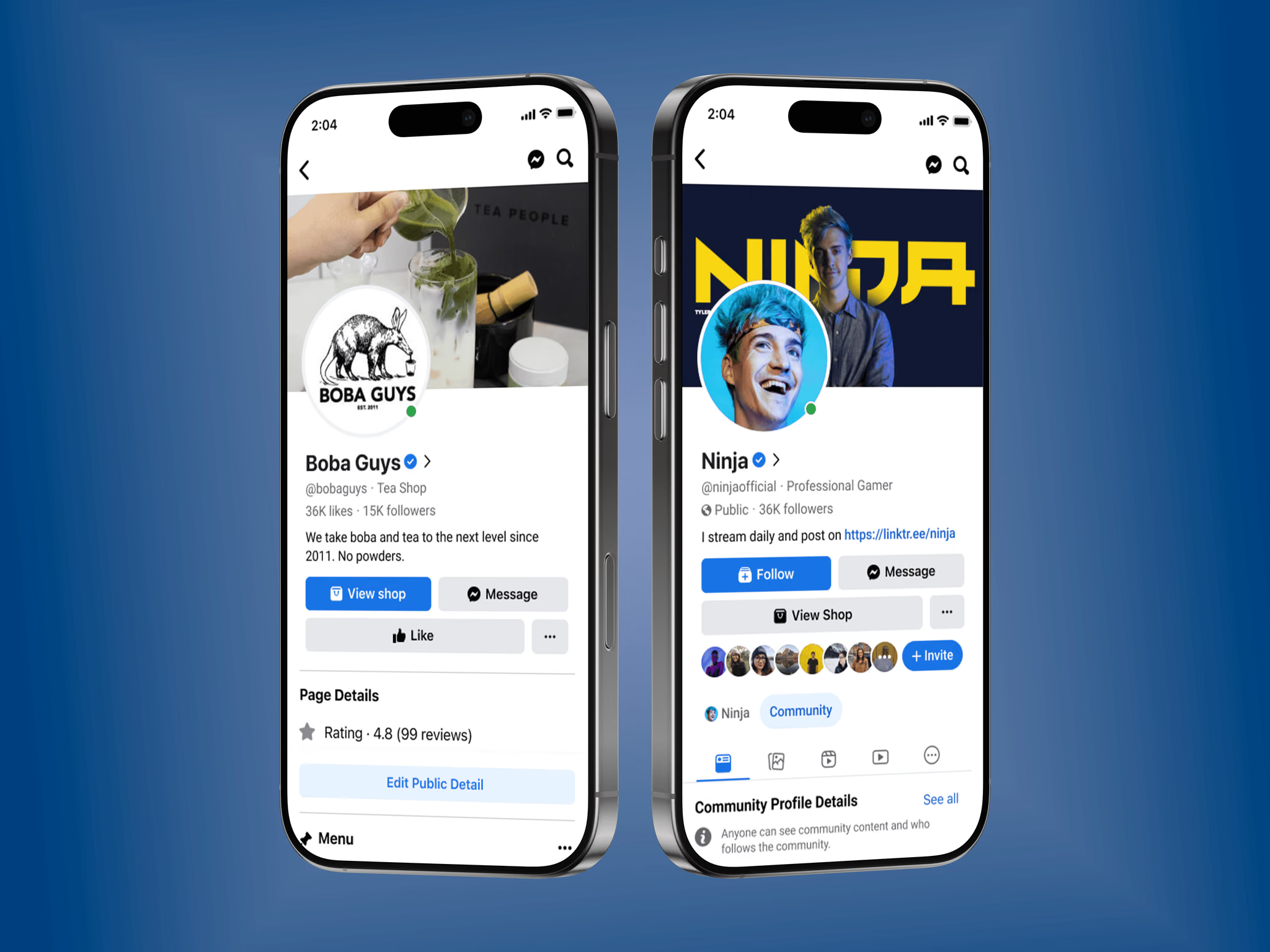
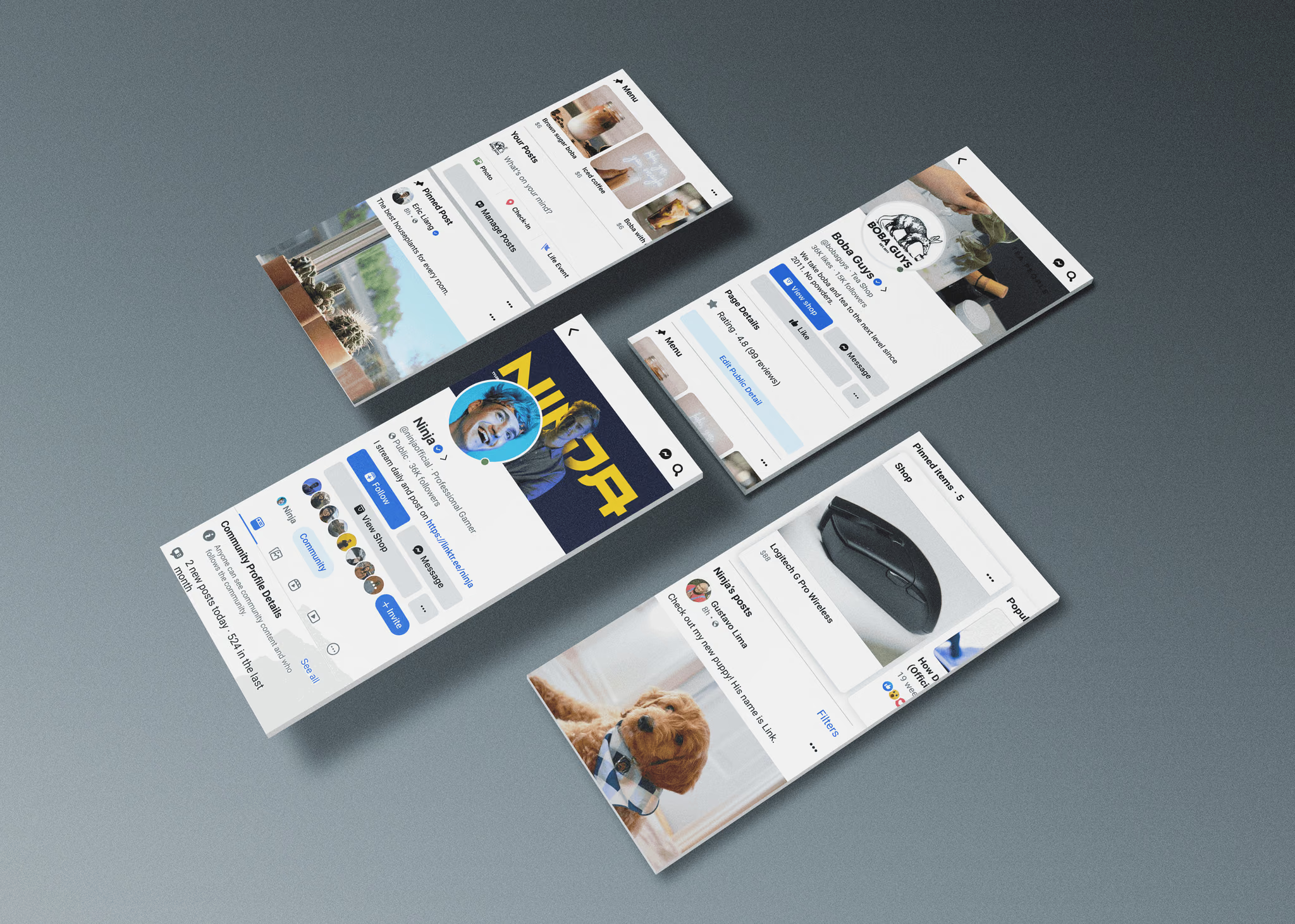
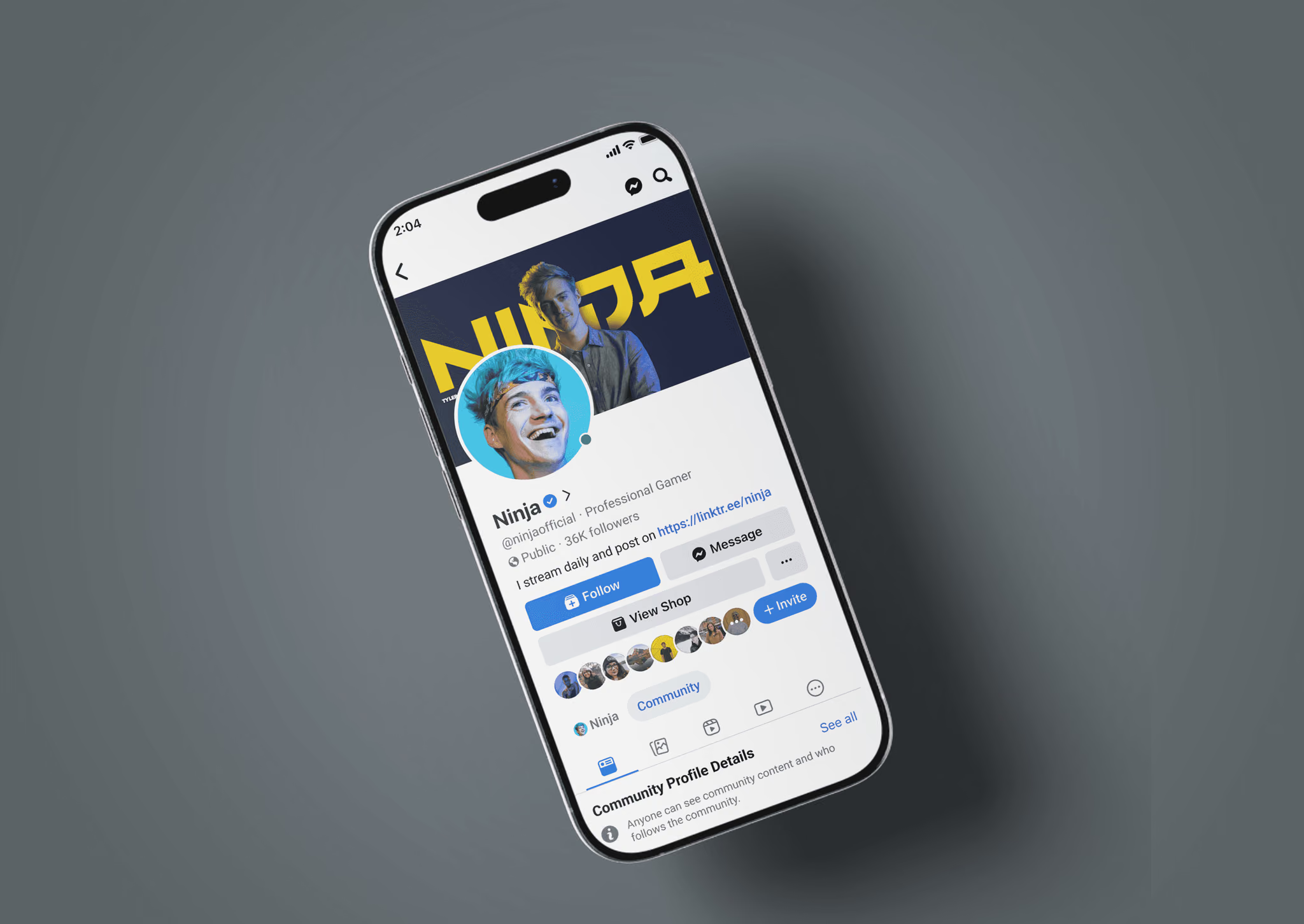
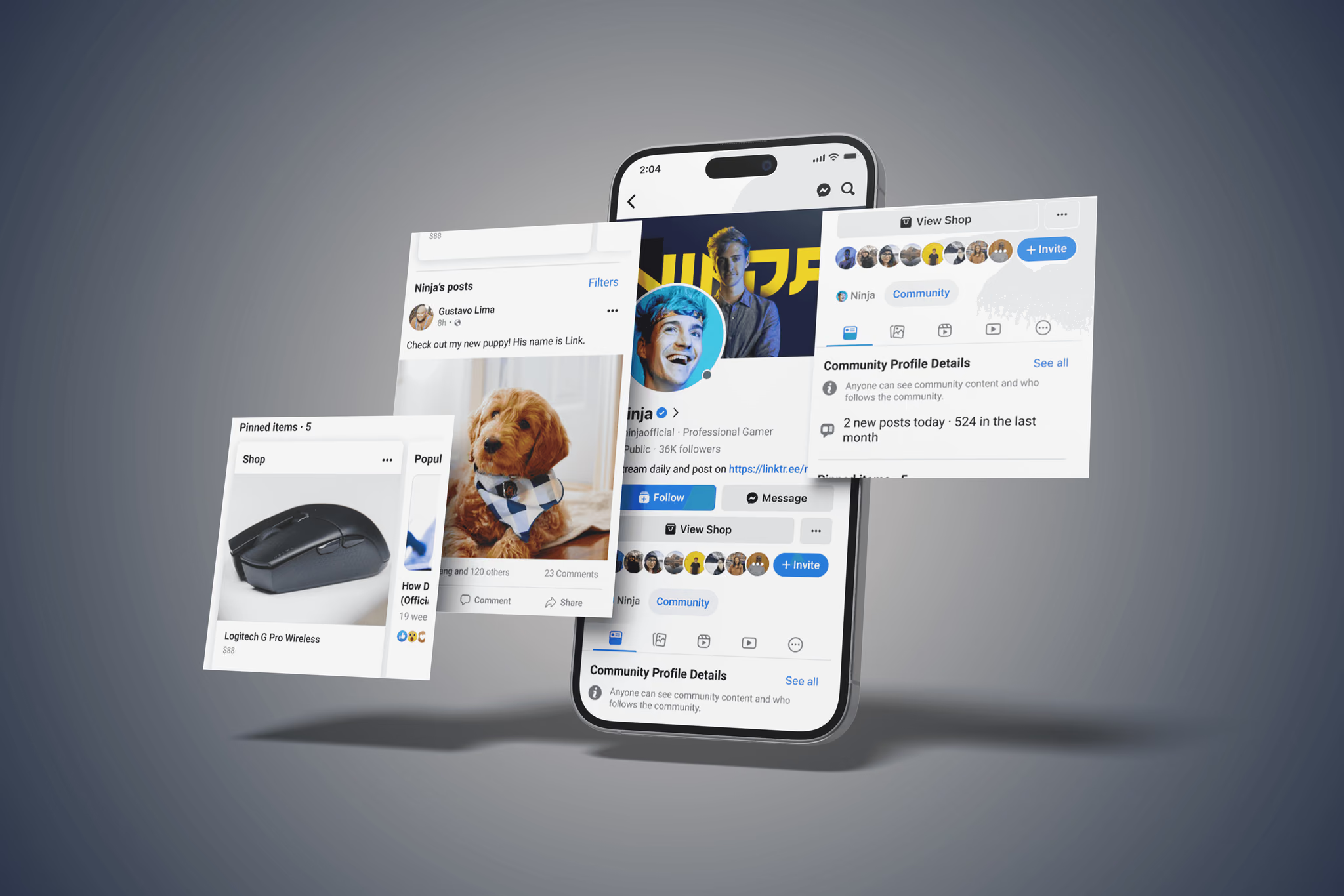
Reimagined Facebook profiles across four account types — reducing bounce rate 8% while elevating self-expression and trust signals.
+64%
Scroll engagement
8%
Reduced bounce rate
Selected Work
Coinbase · 2025
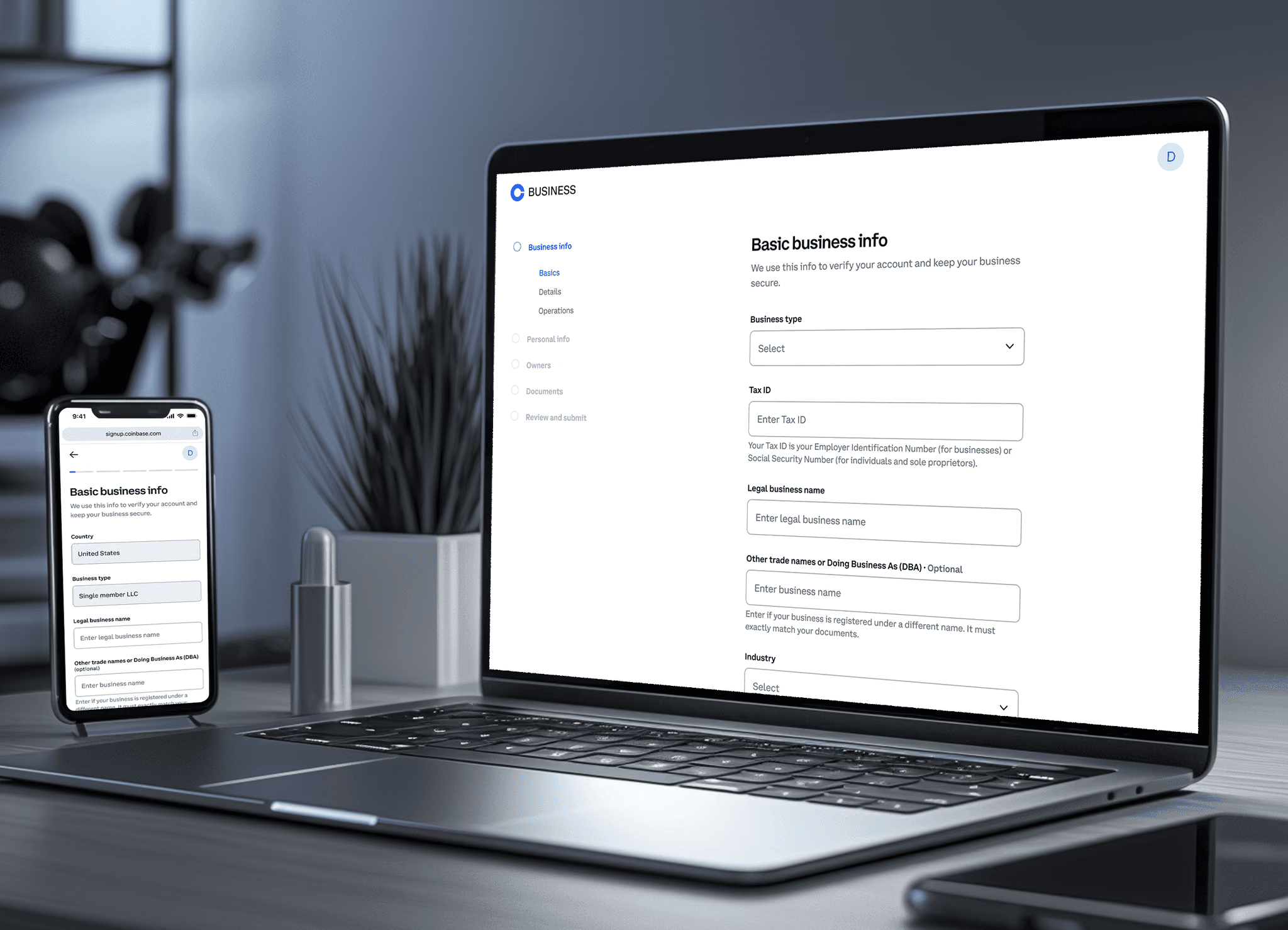
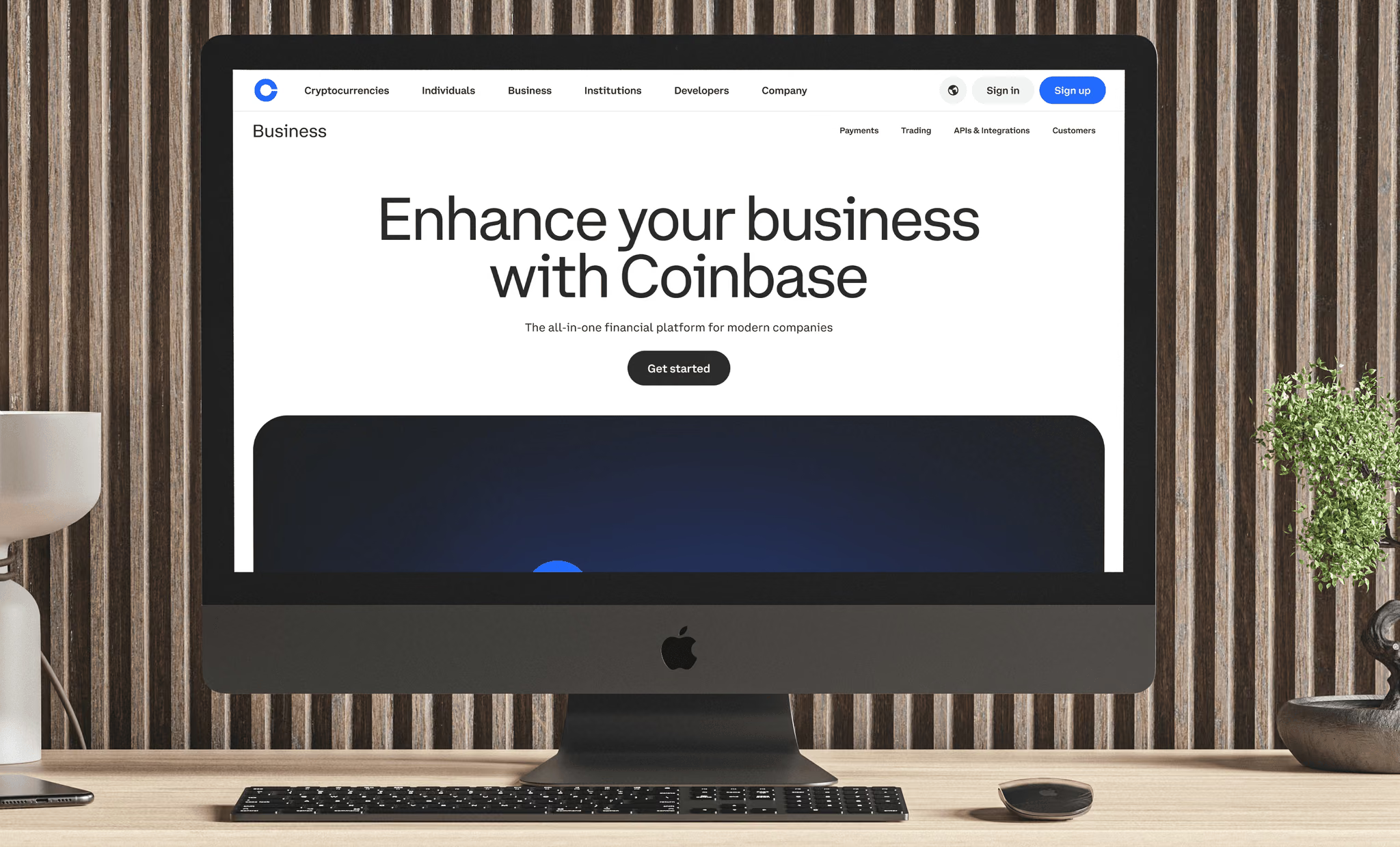
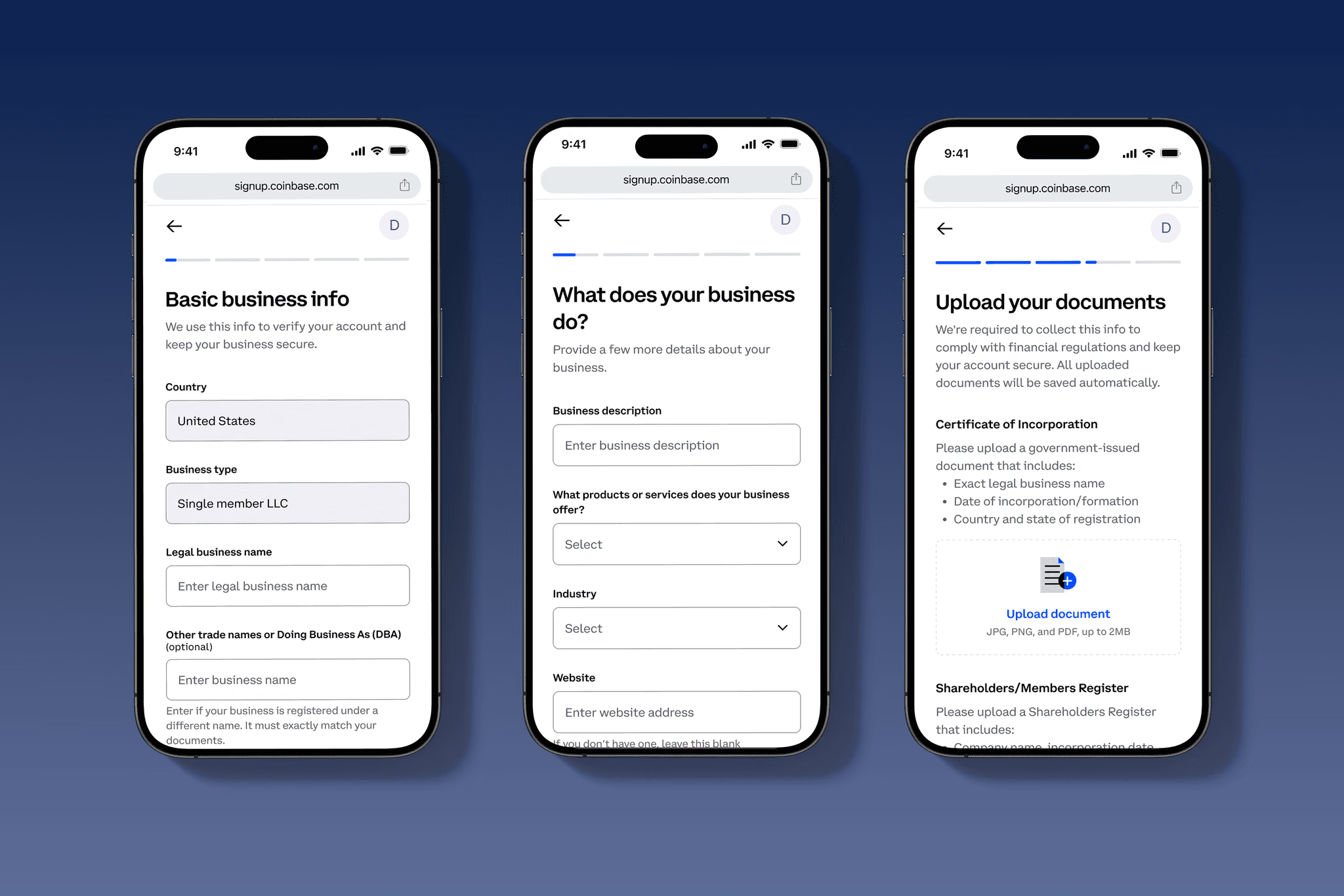
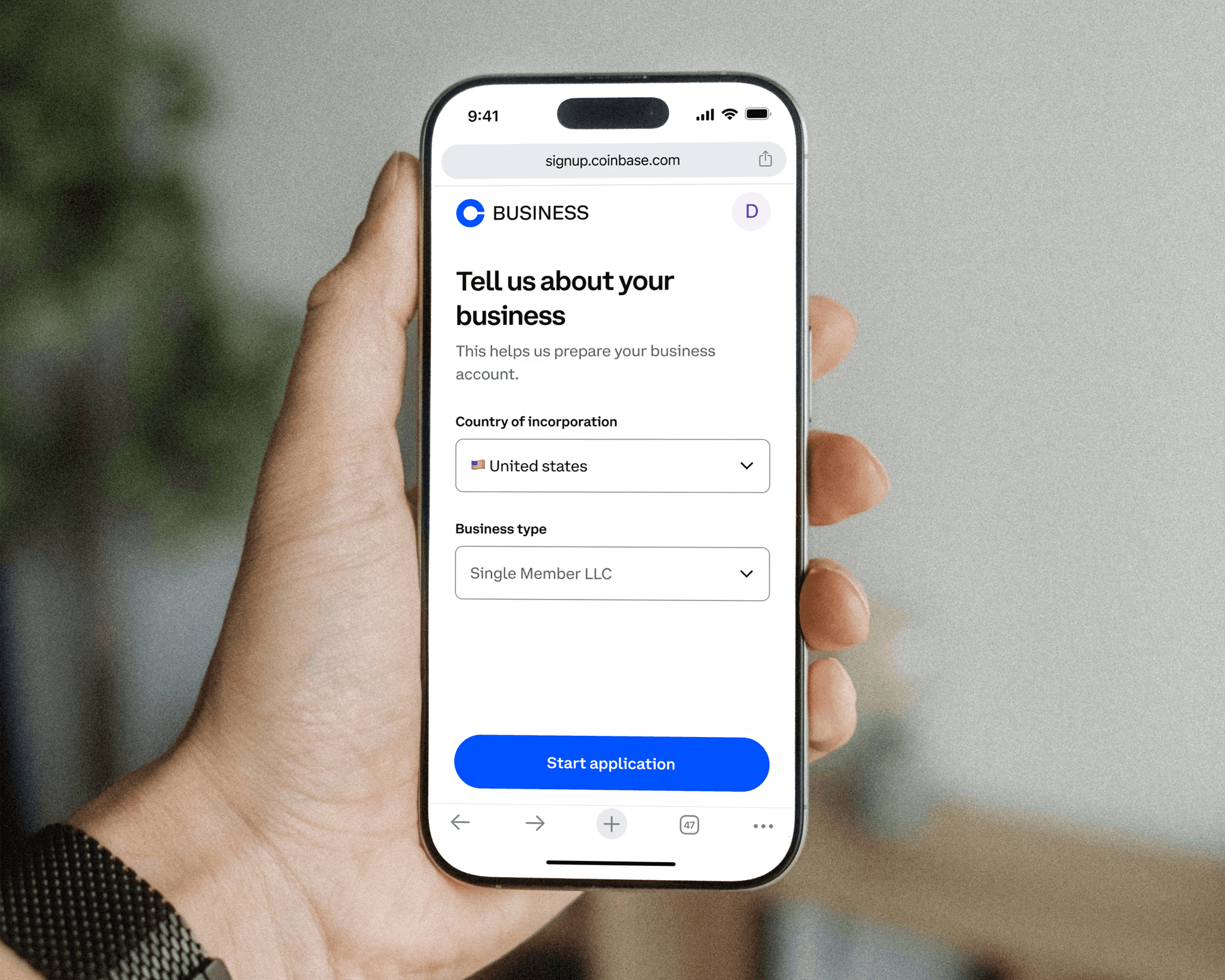
Cut required fields by 45% and drove 10,000+ applications by rethinking the SMB onboarding experience.
Coinbase · 2025
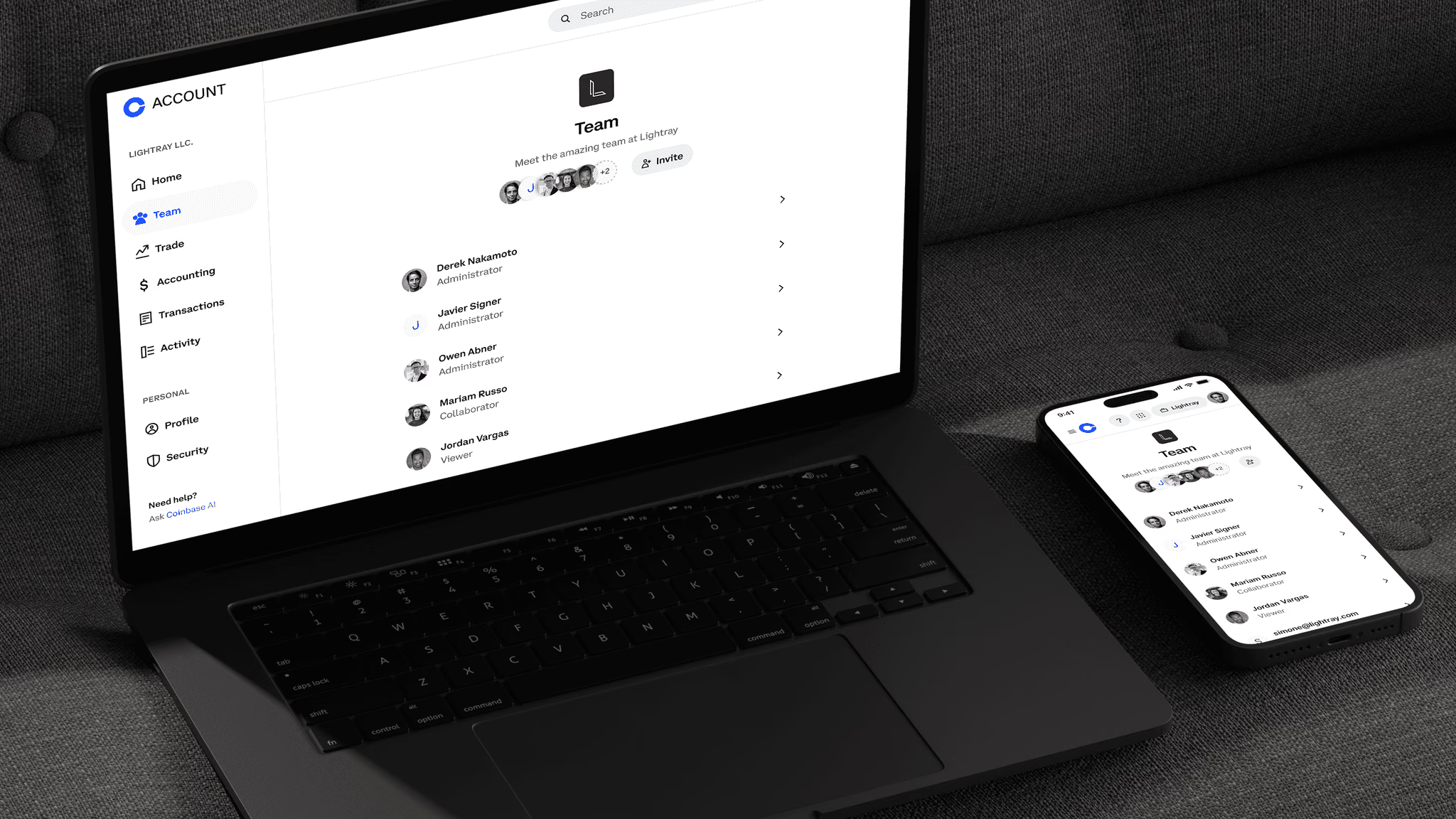
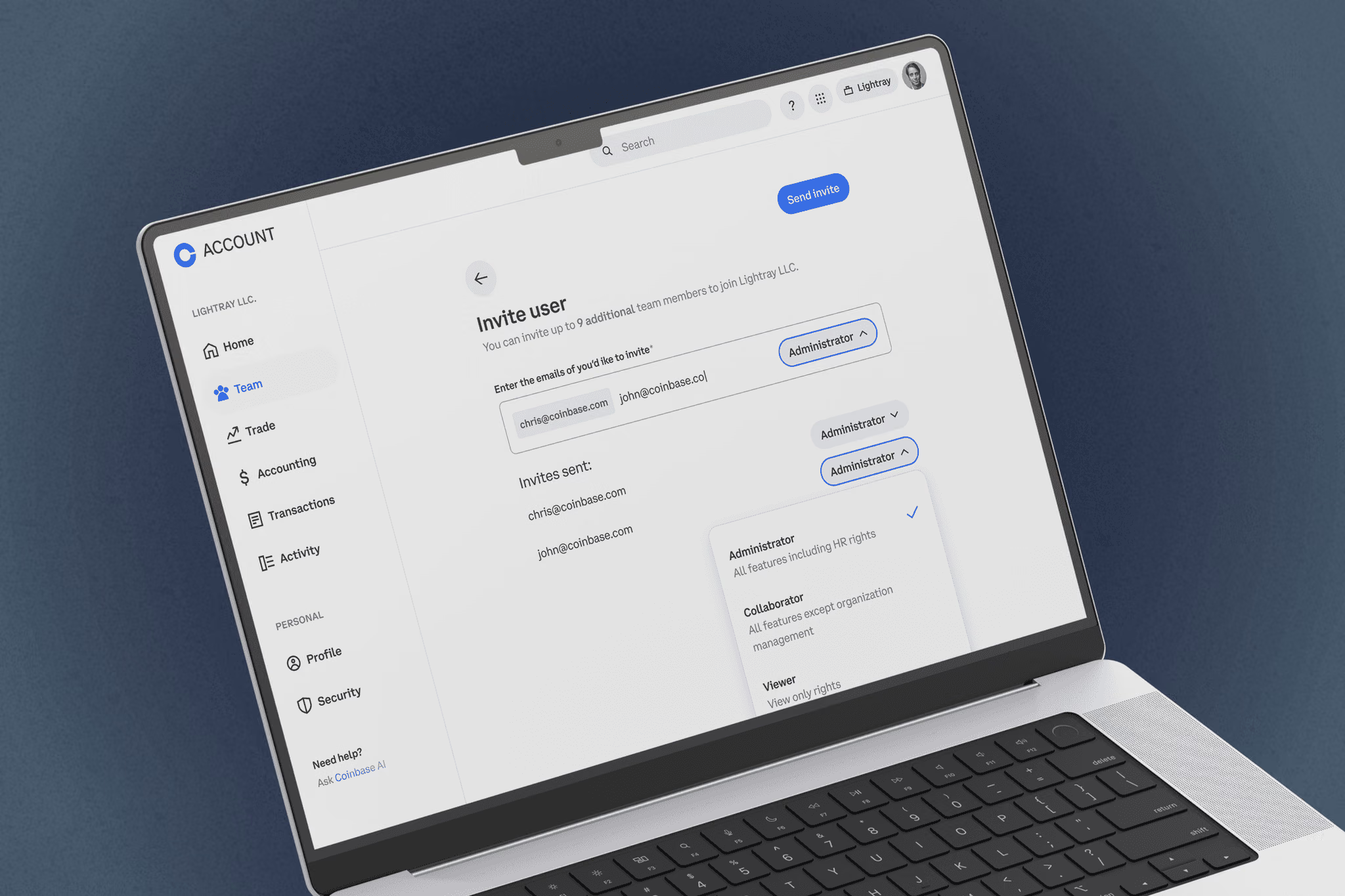
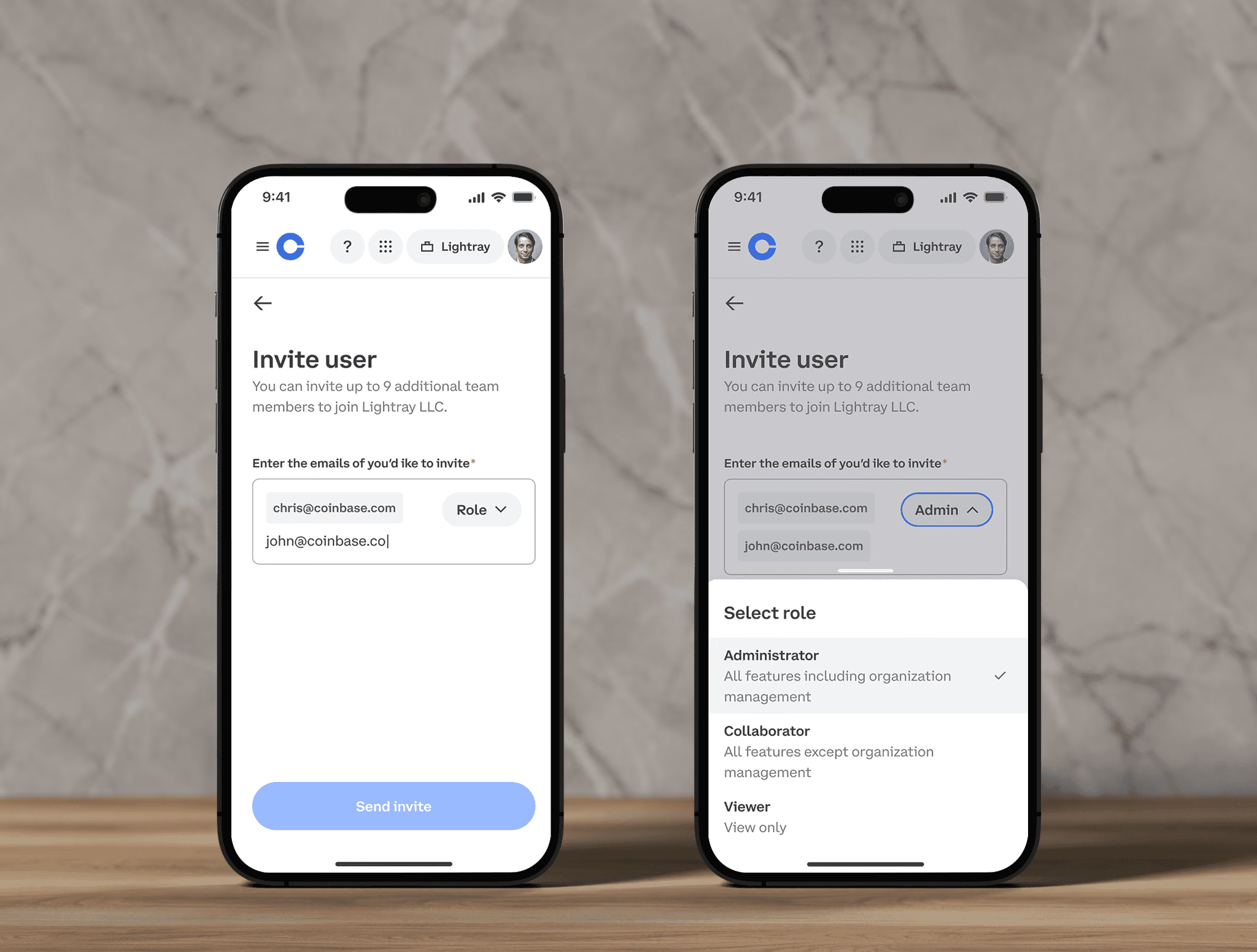
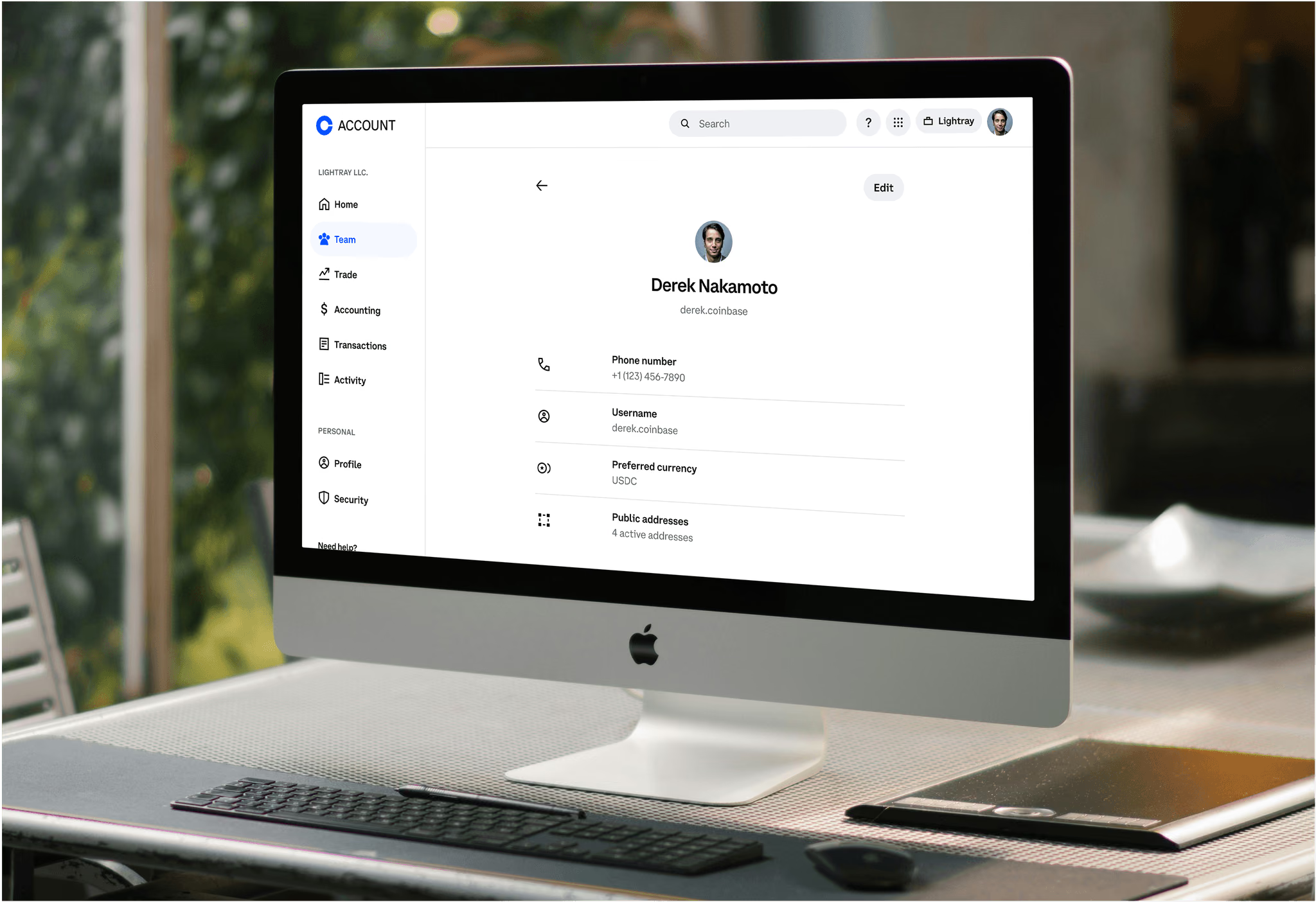
Designed role-based team accounts for enterprise crypto management with granular permissions and audit trails.
LinkedIn · 2025
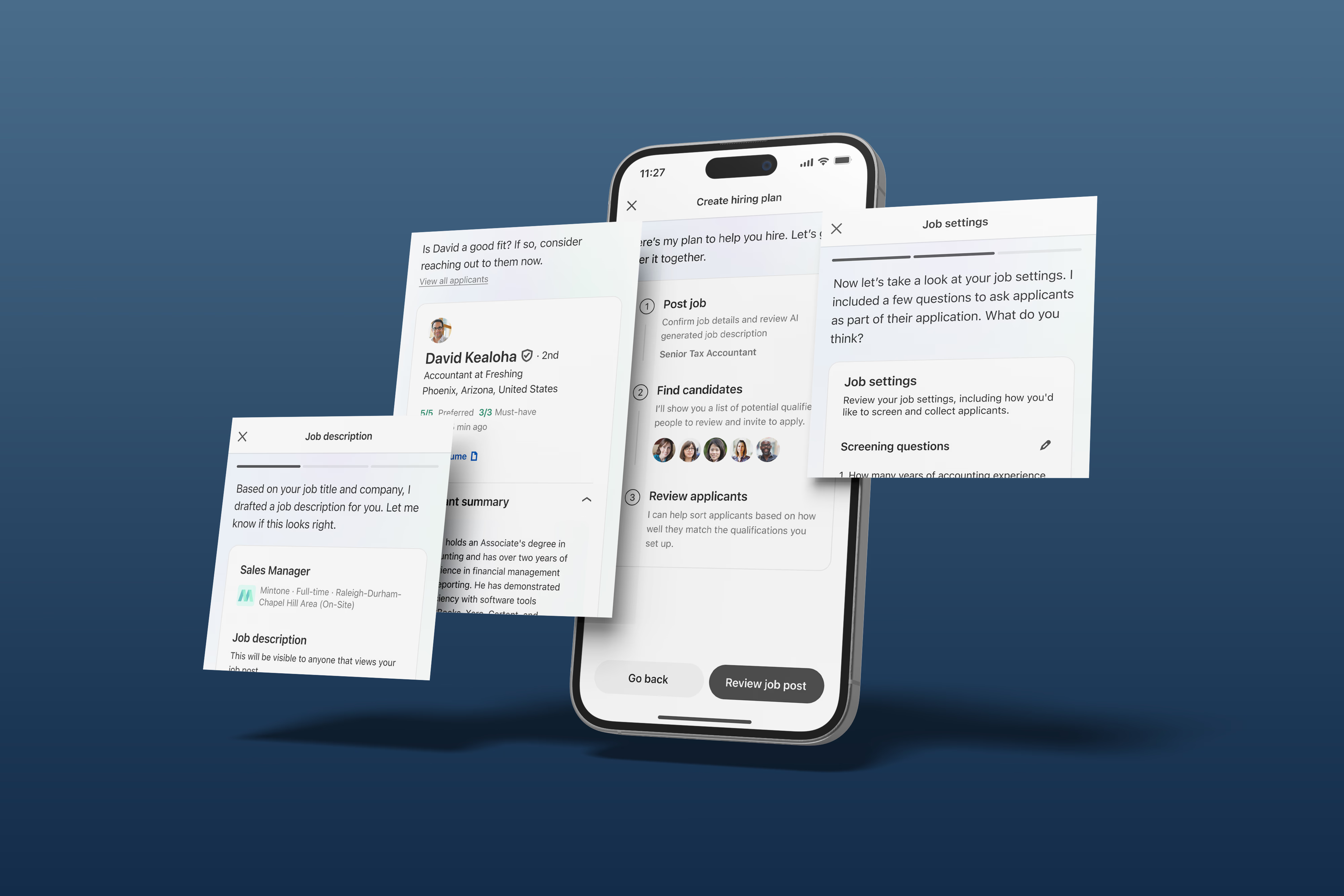
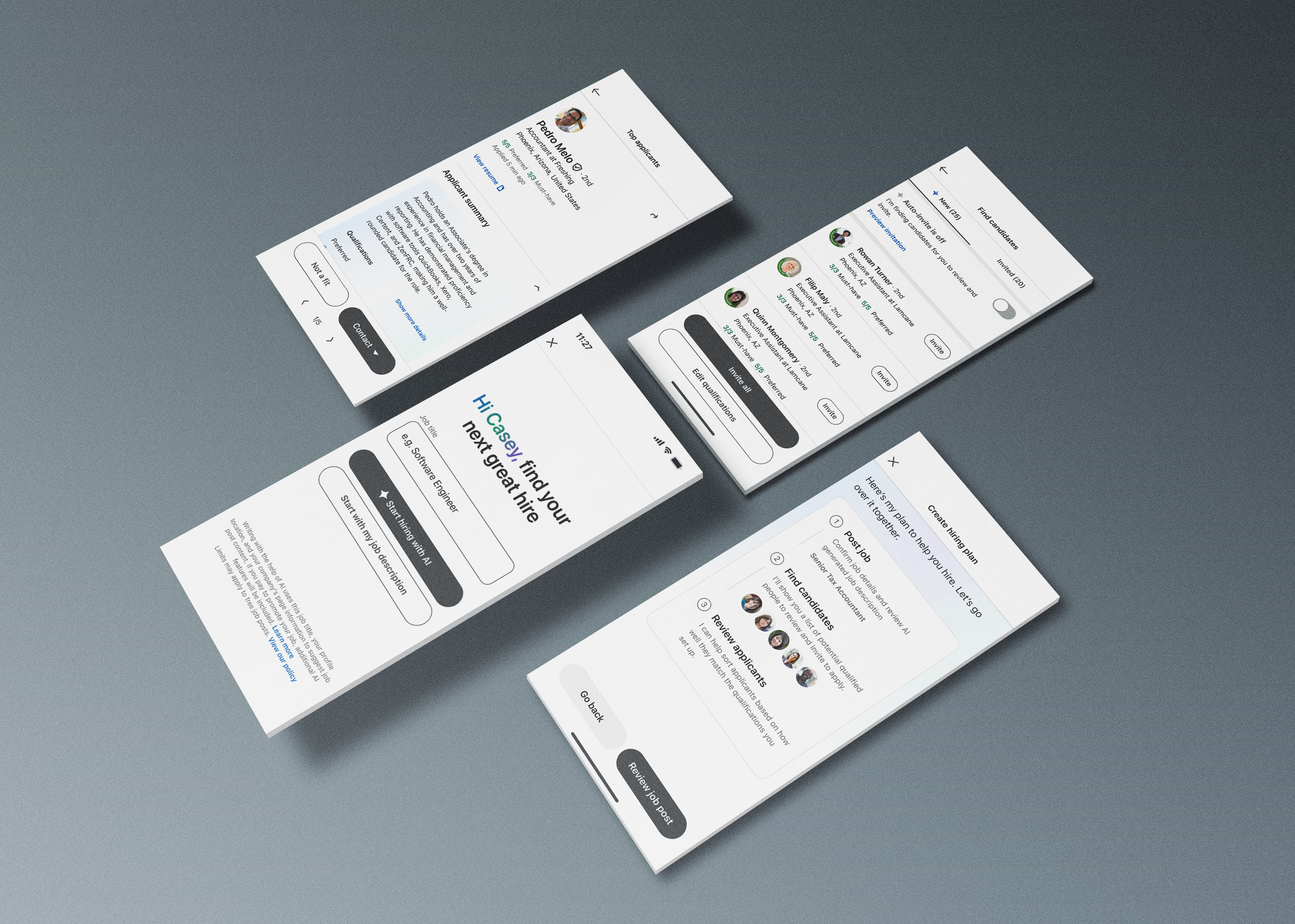
Extended the AI hiring experience across platforms, giving recruiters a seamless sourcing workflow on any device.
Intuit · 2024
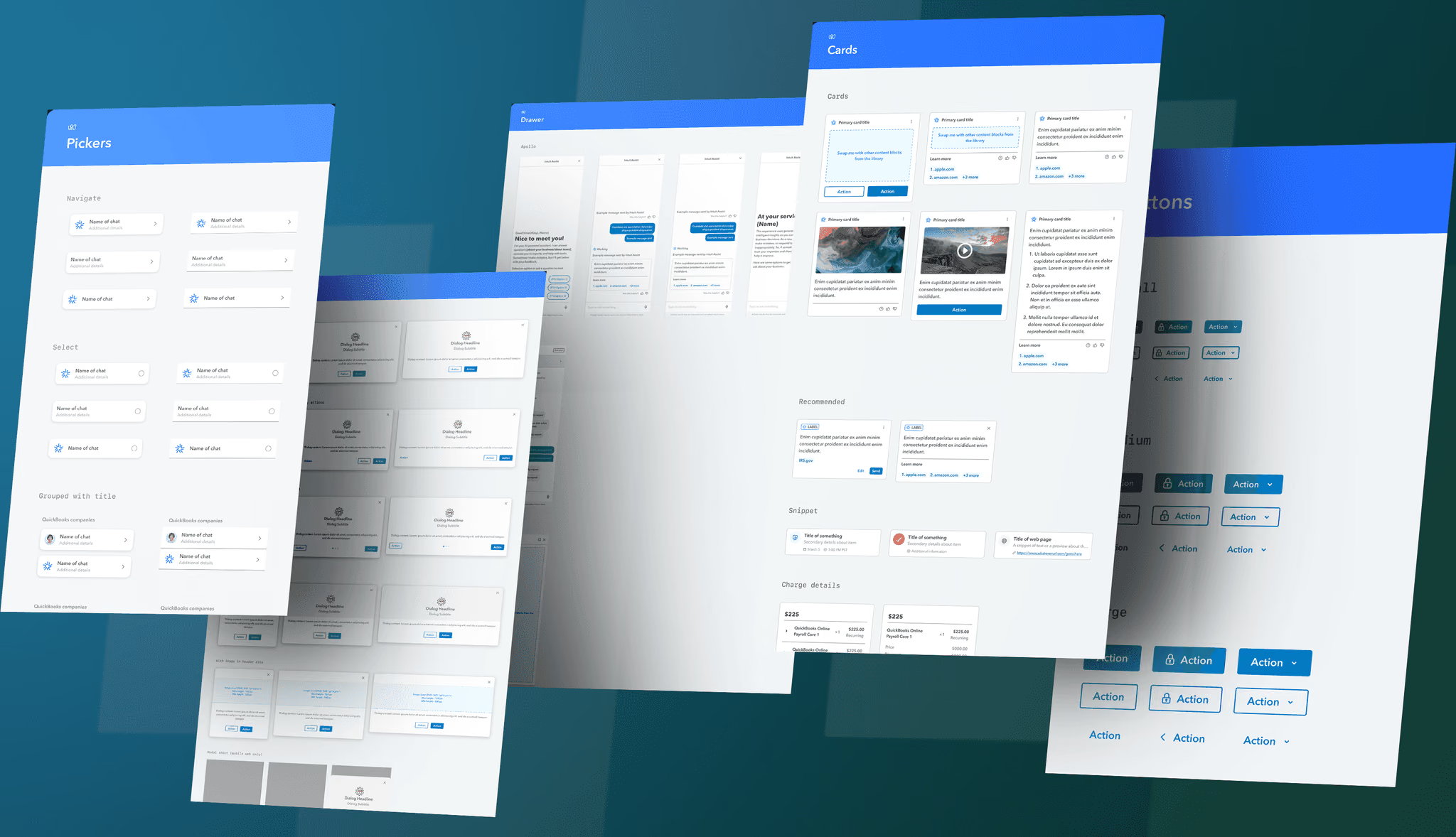
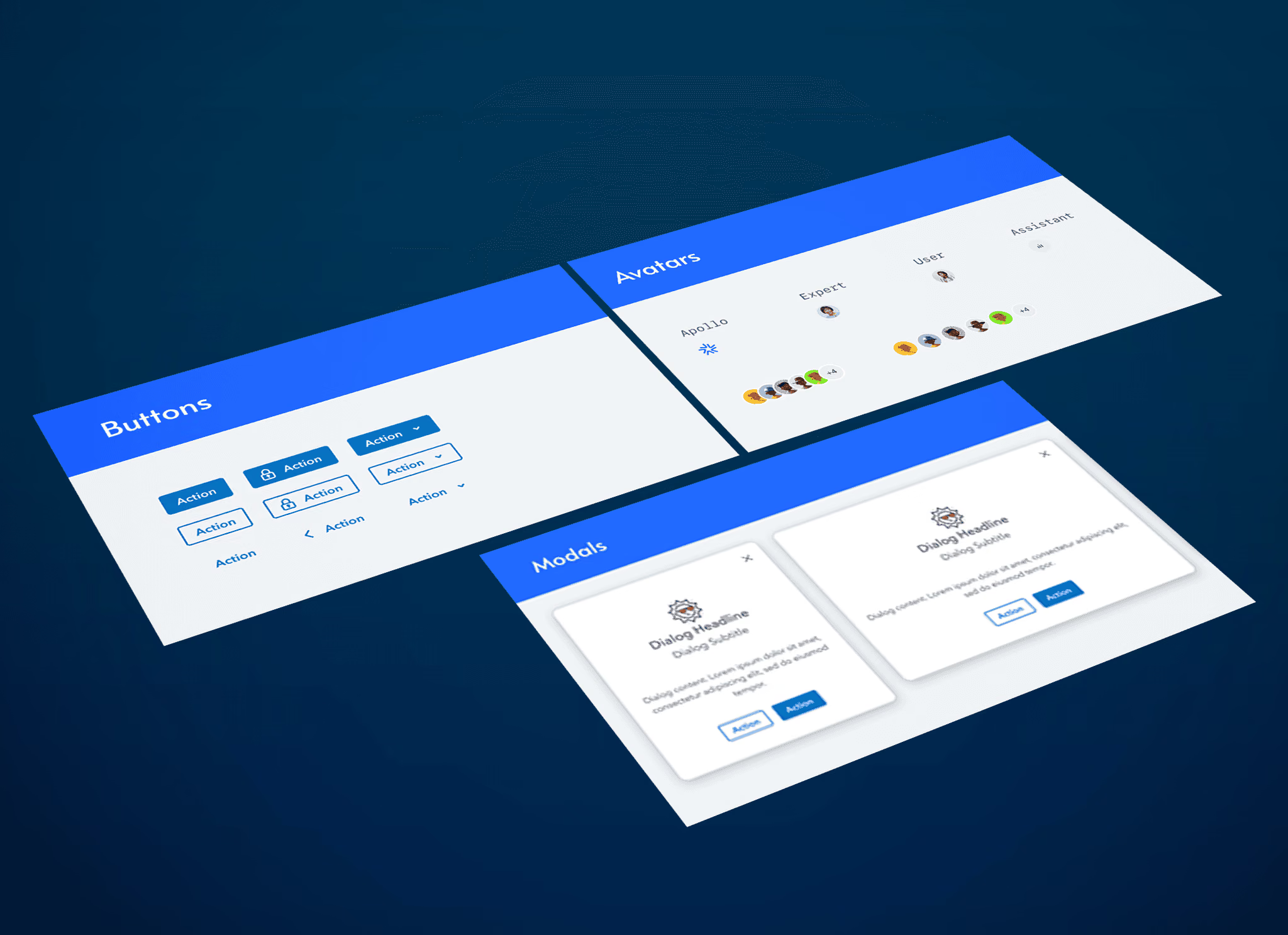
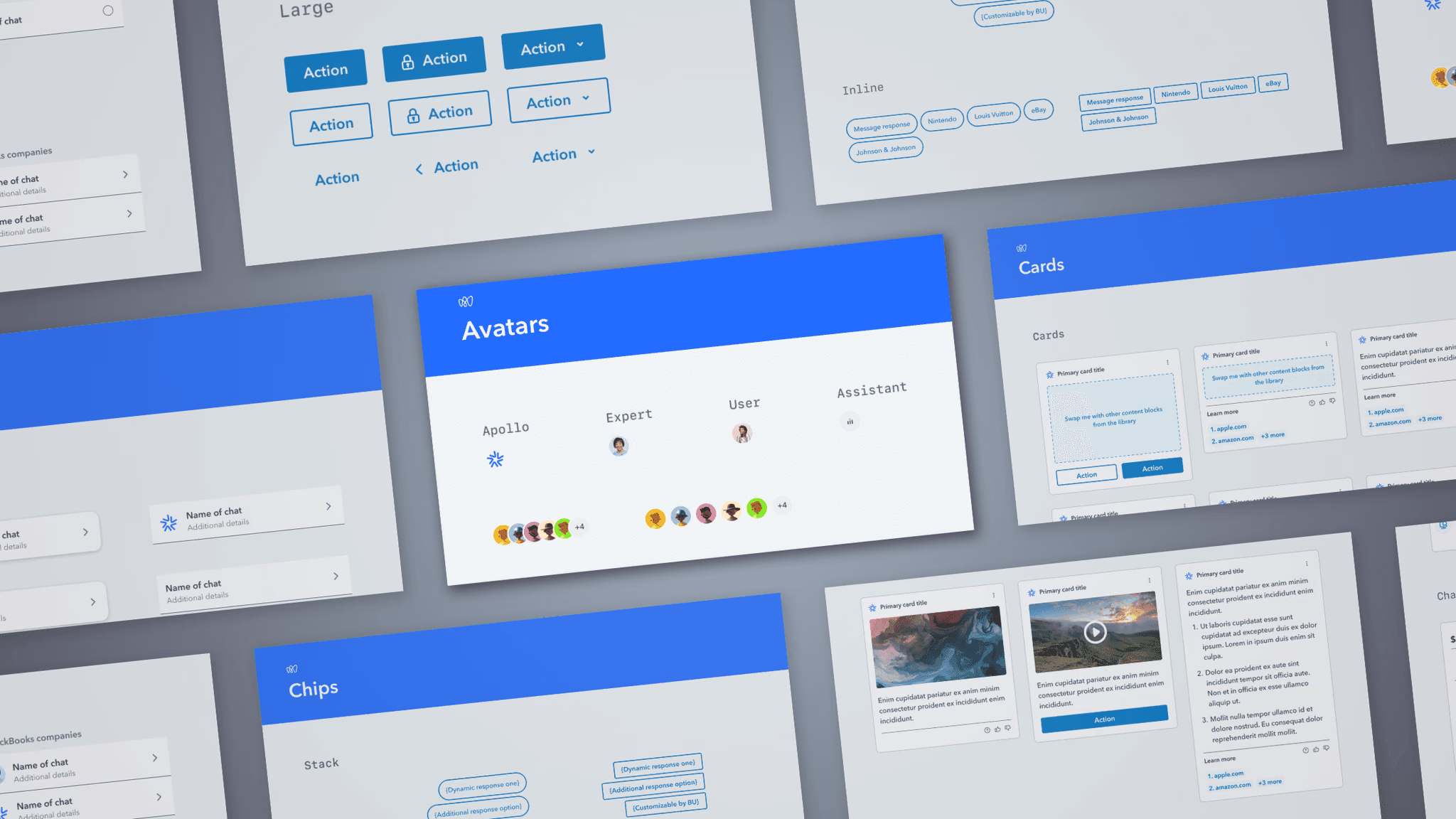
Created the component library powering AI-driven expert workflows across TurboTax and QuickBooks.
Intuit · 2024
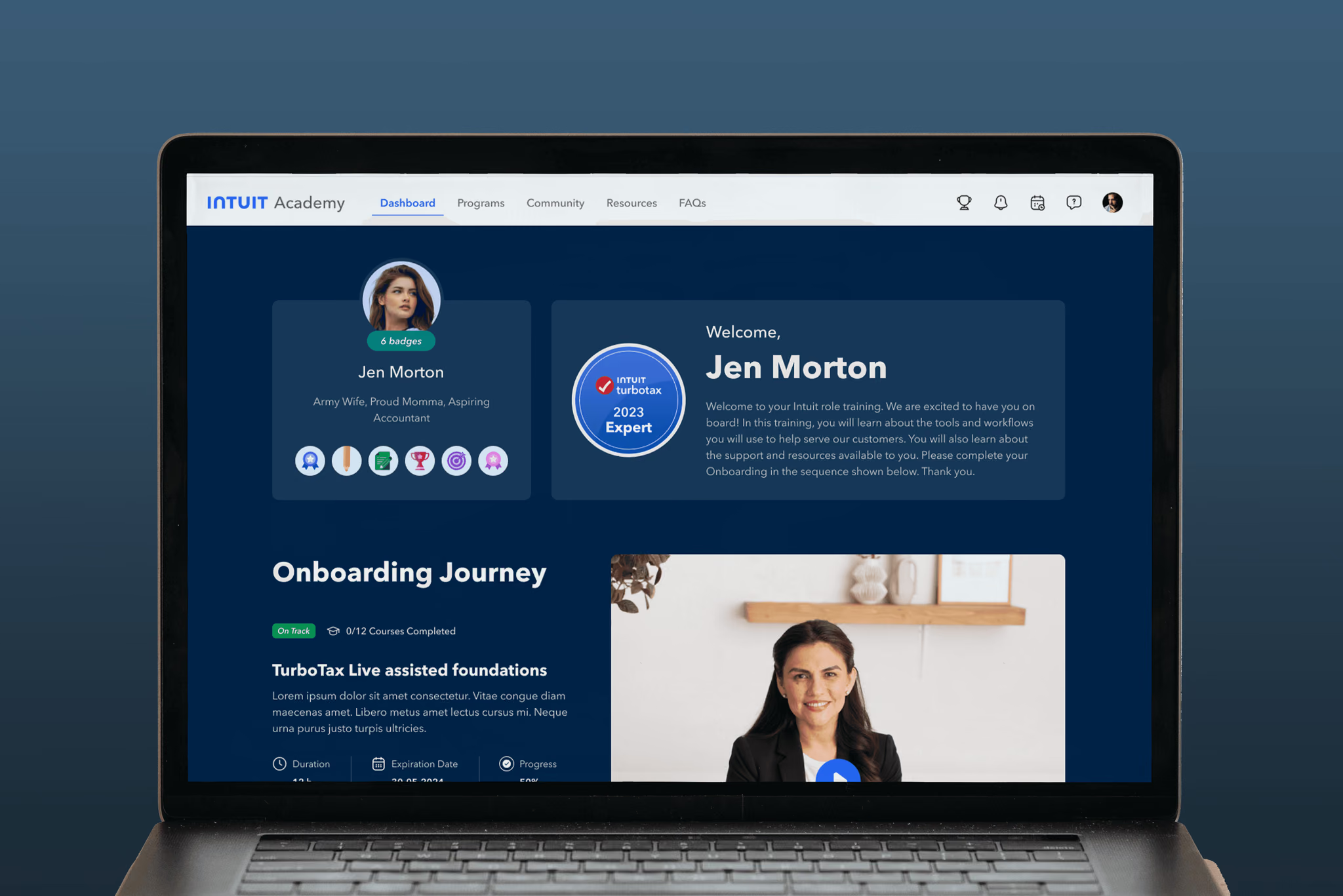
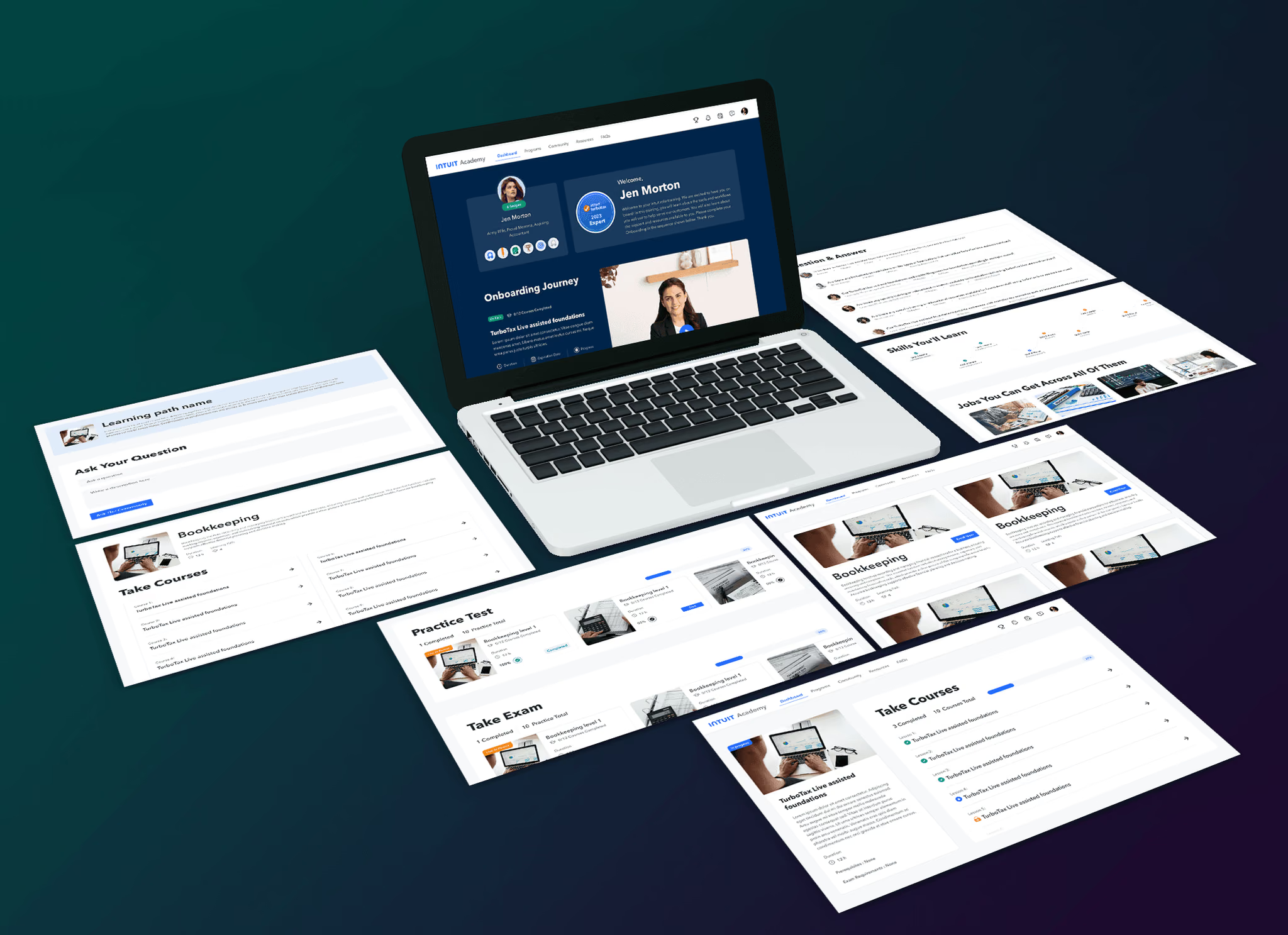
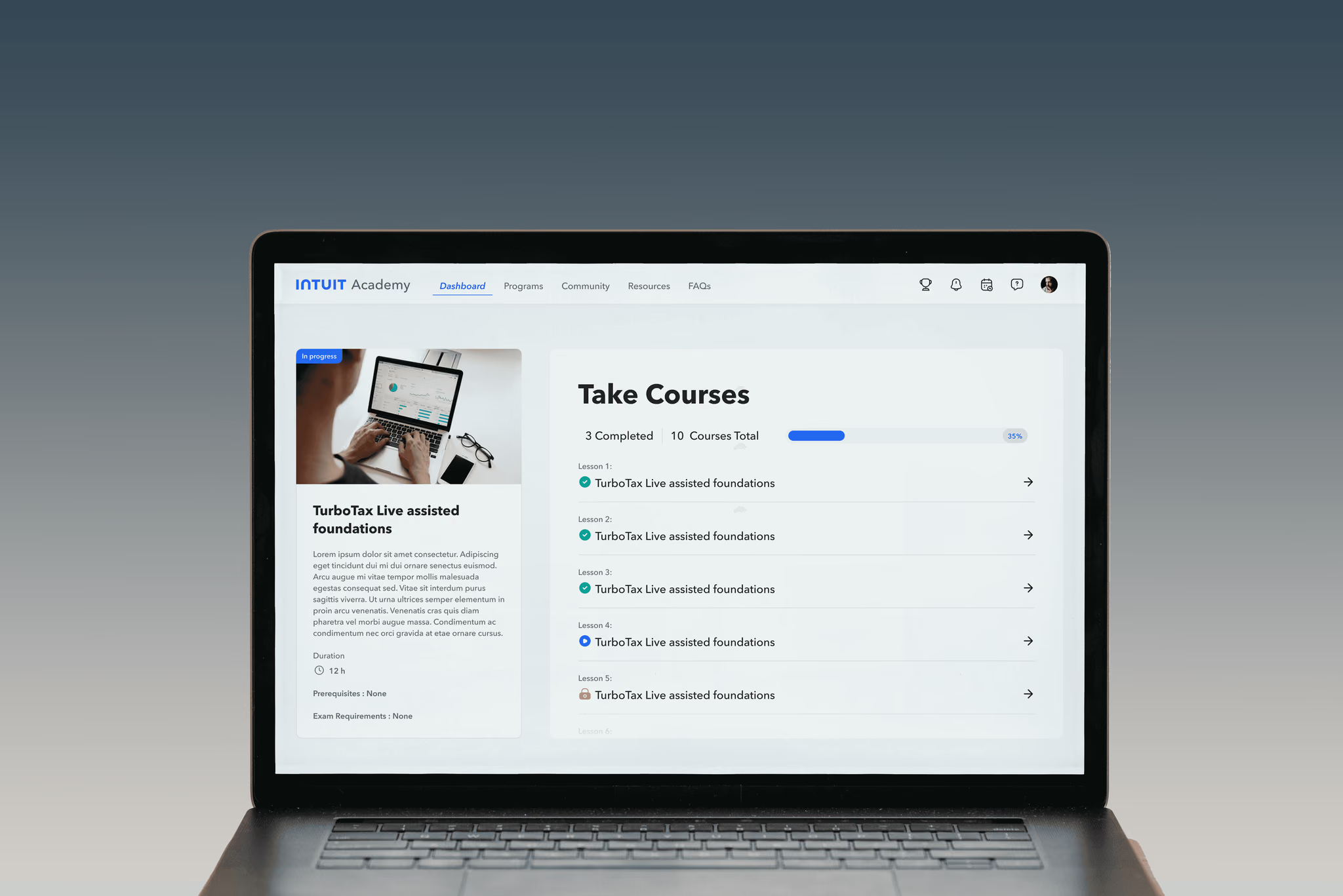
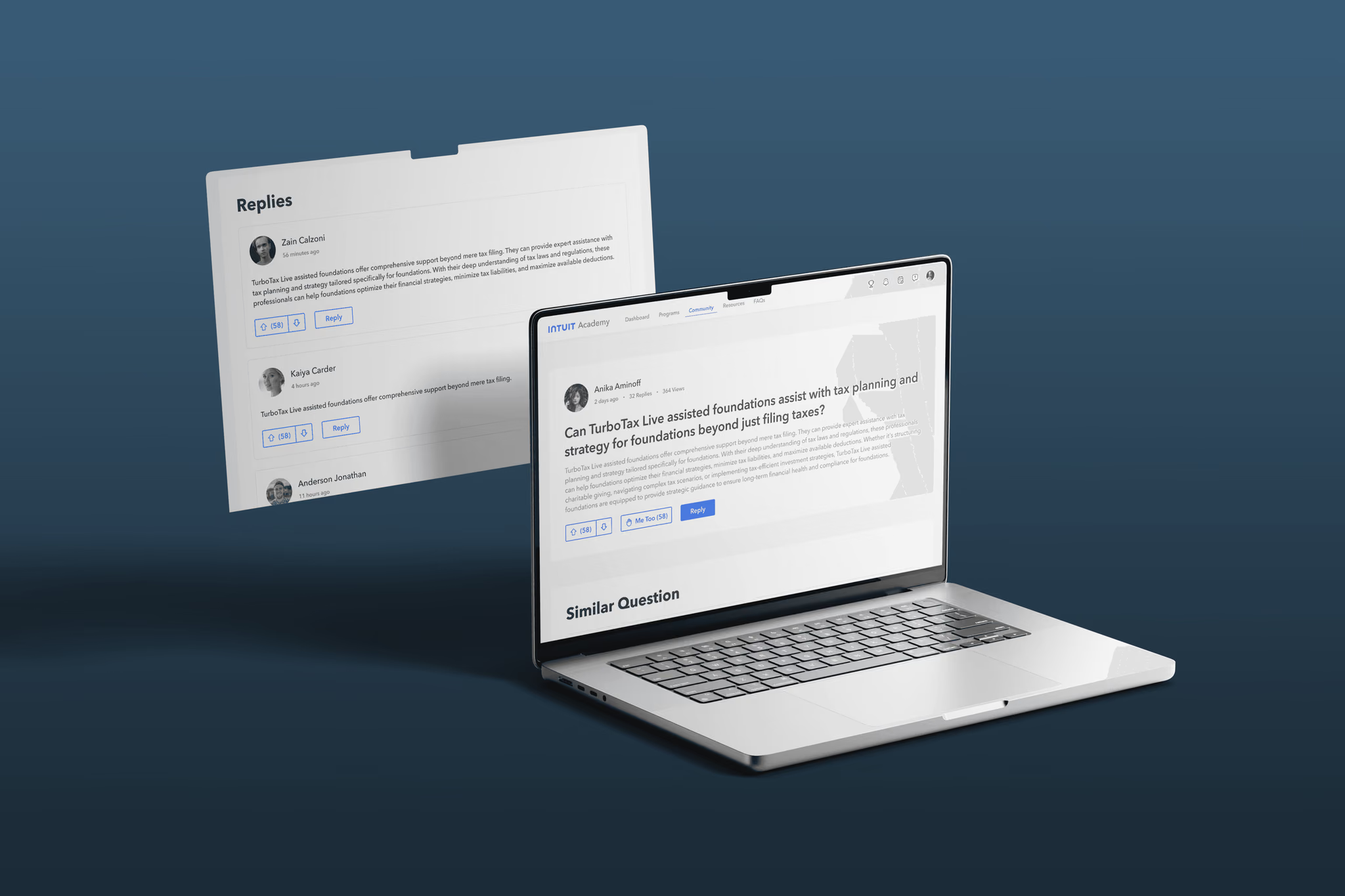
Modernized expert certification and training, lifting completion rates from 45% to 65% and adding 3,000 annual enrollments.
Intuit · 2024
Redesigned the platform powering live tax preparation and customer support across TurboTax and QuickBooks.
Intuit · 2024
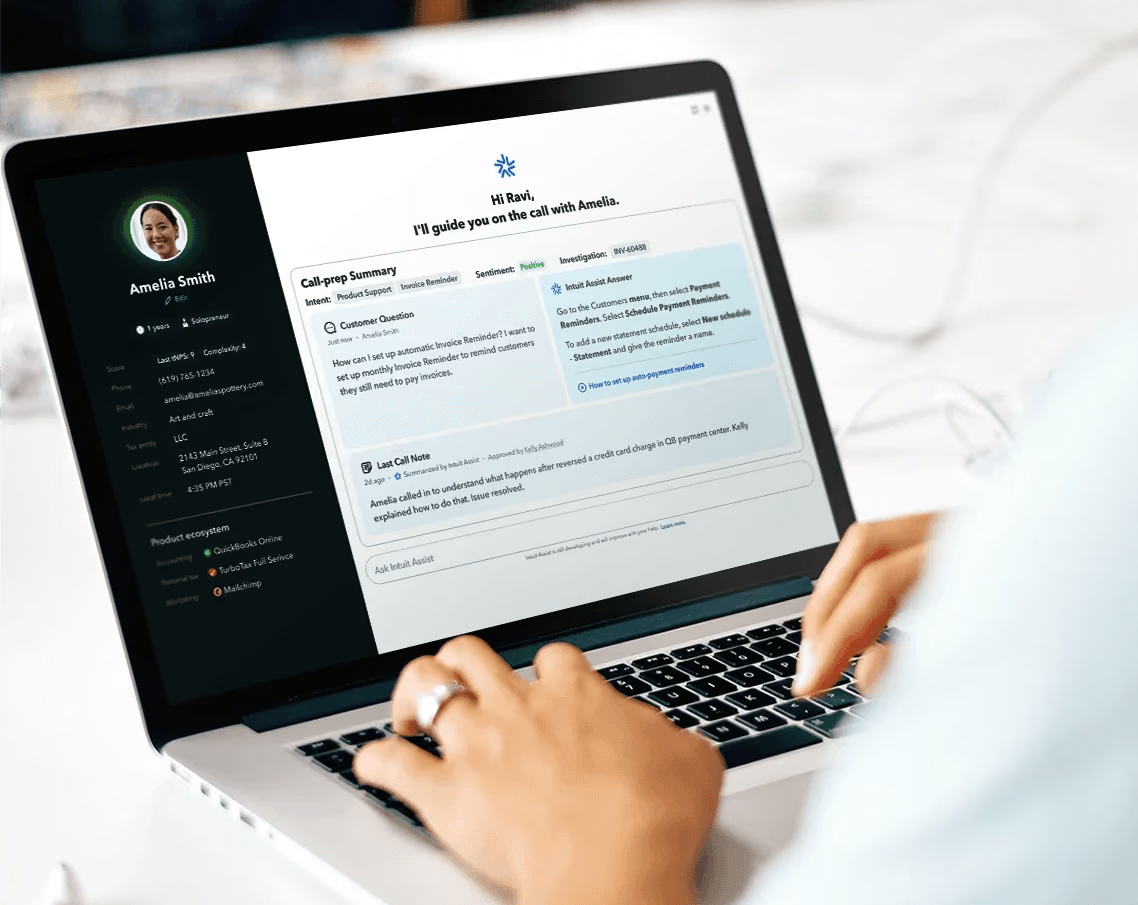
Envisioned the next-generation expert dashboard — rethinking service workflows from the ground up.
Intuit · 2024
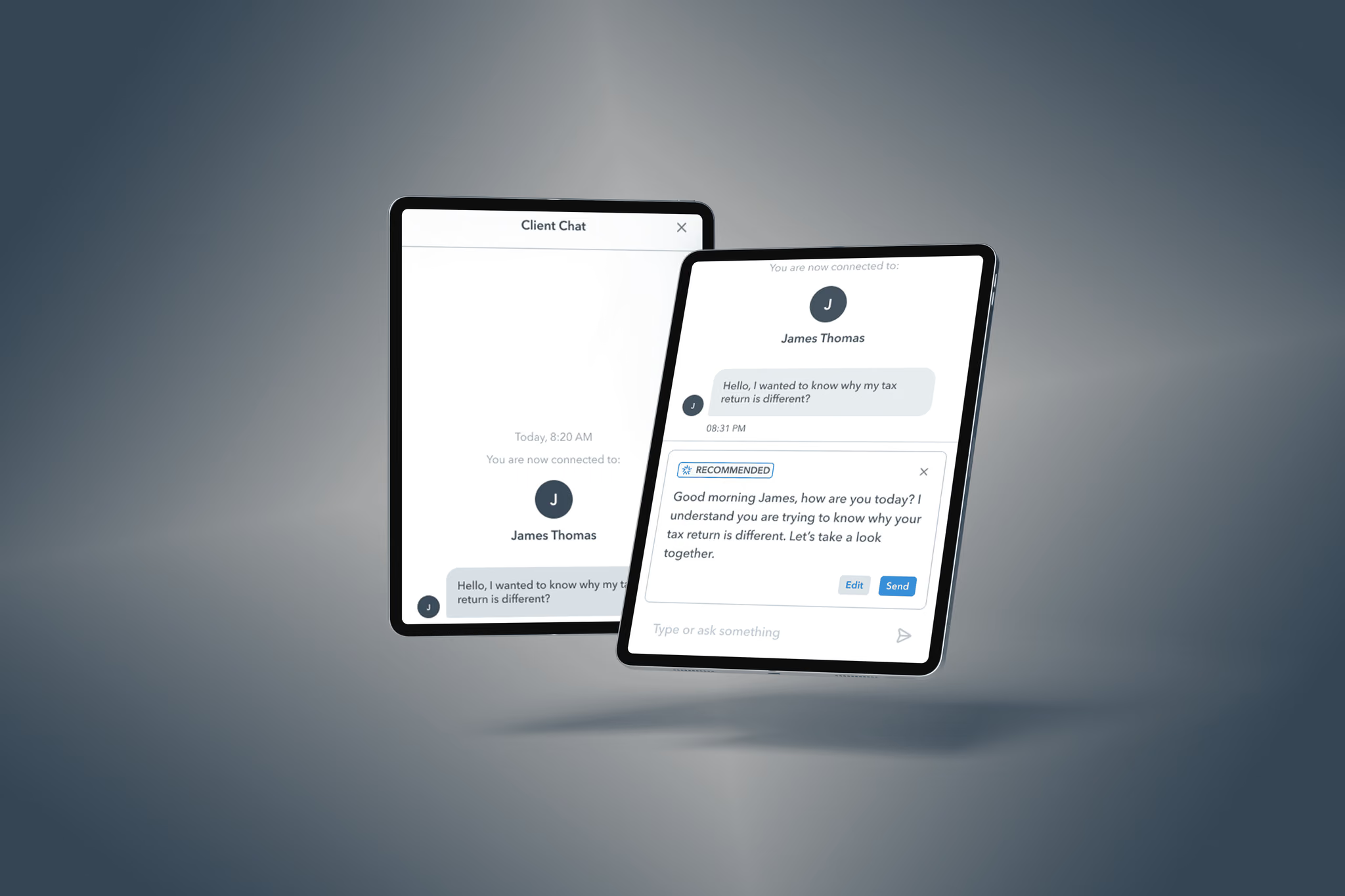
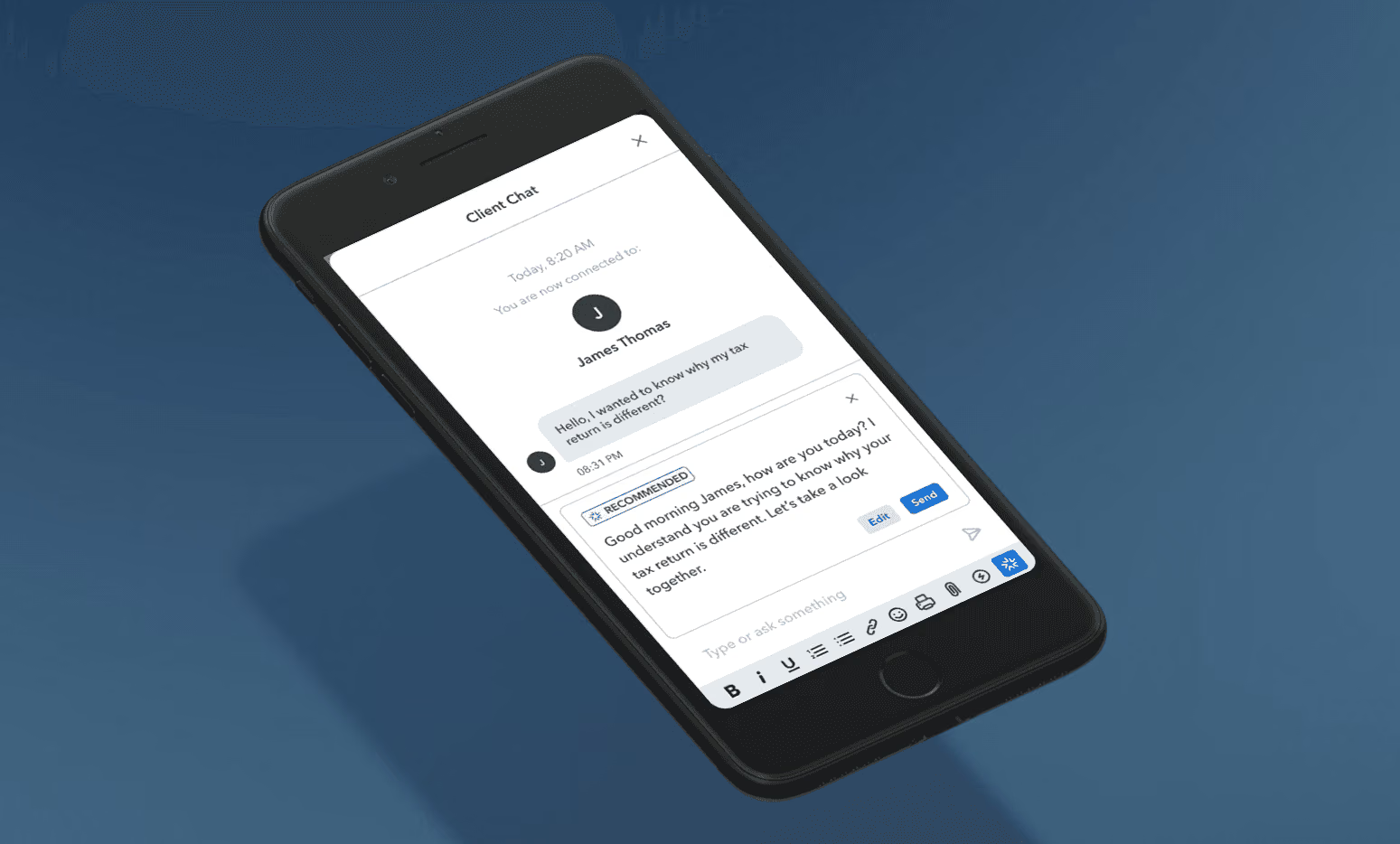
AI-generated reply suggestions that helped experts communicate with empathy and clarity — driving a 12-point NPS lift.
Meta · 2022
Reimagined Facebook's most visited surface across four profile types — boosting engagement 64% and reducing bounce 8%.
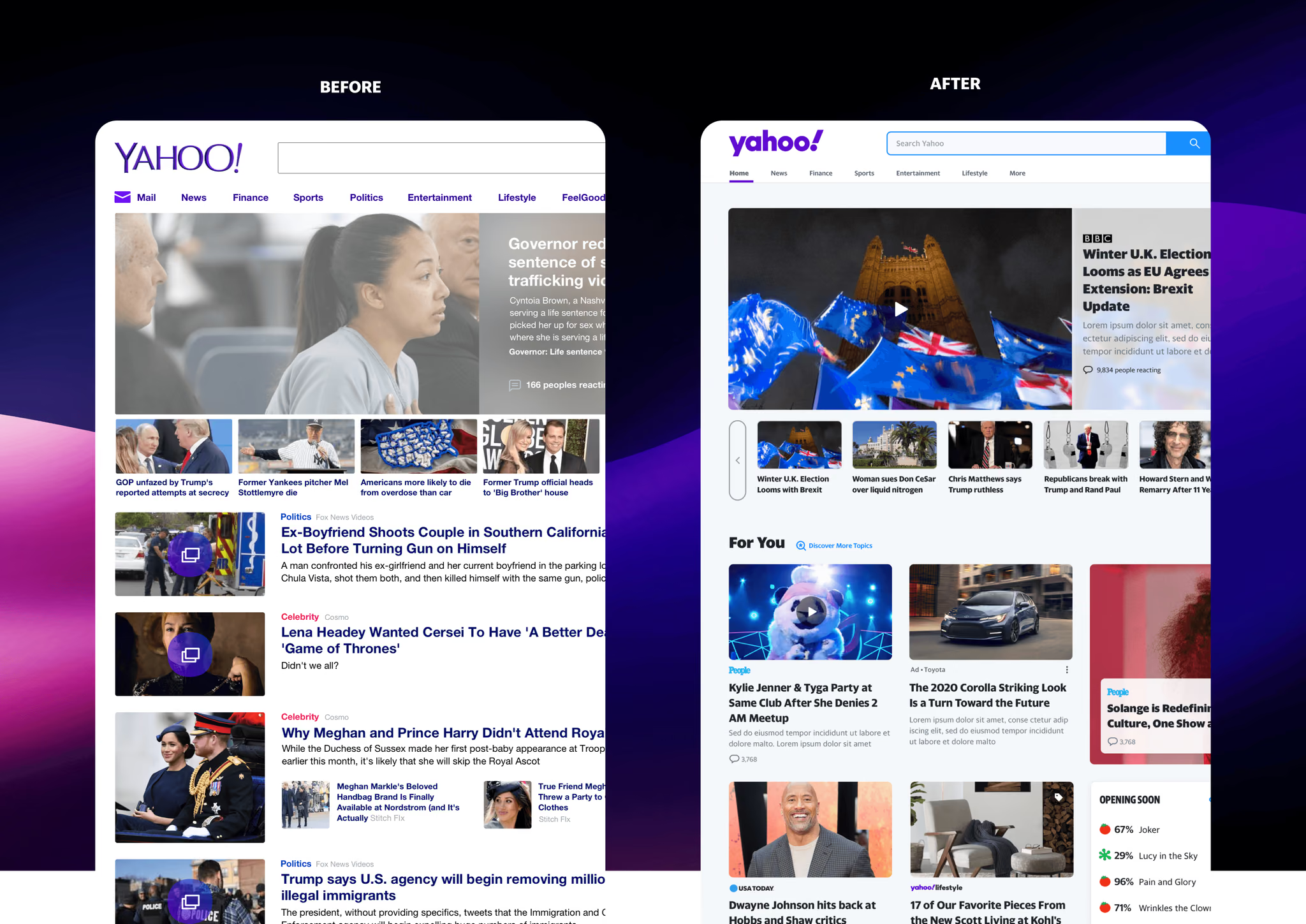
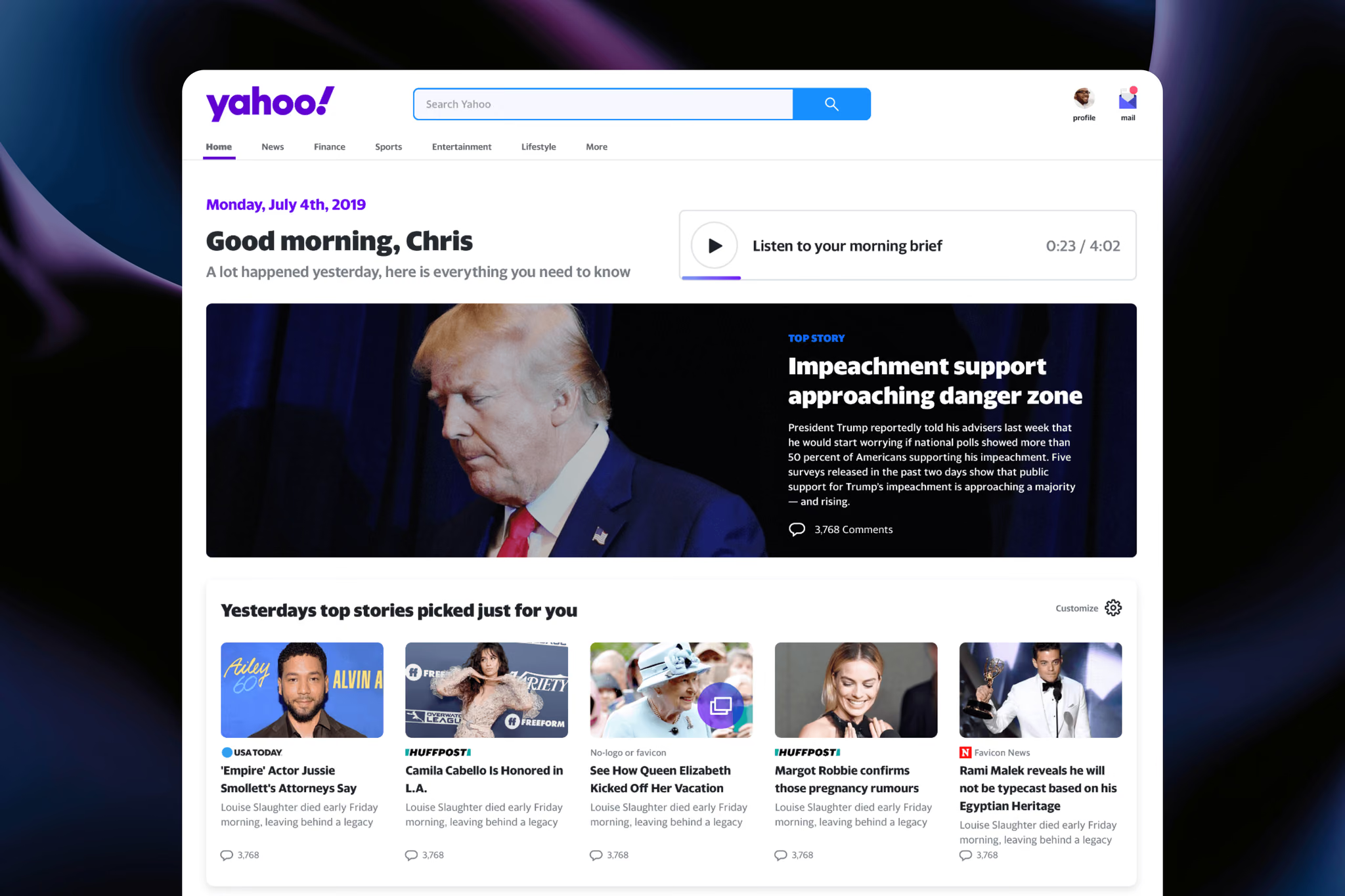
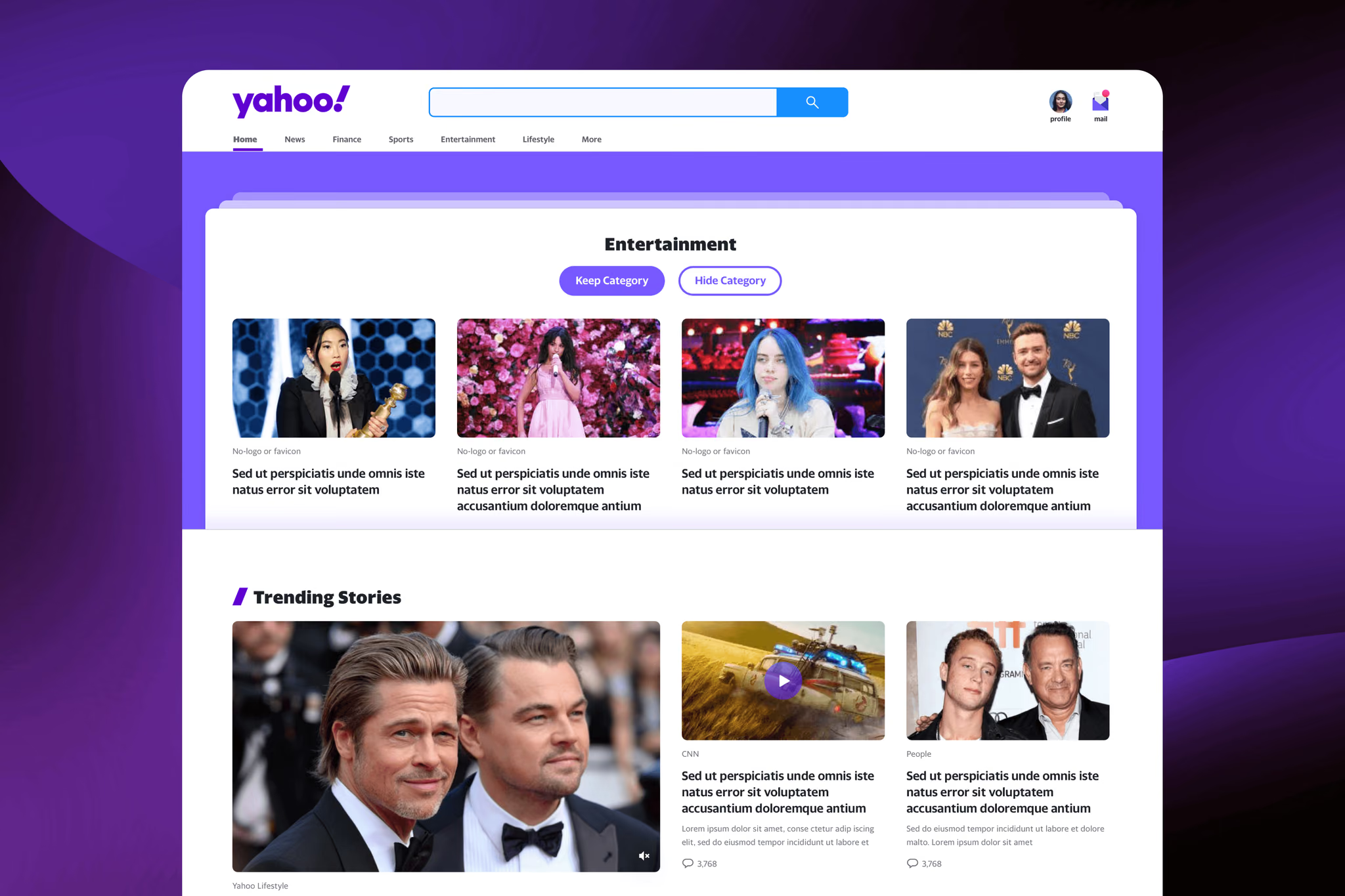
Yahoo · 2019–2020
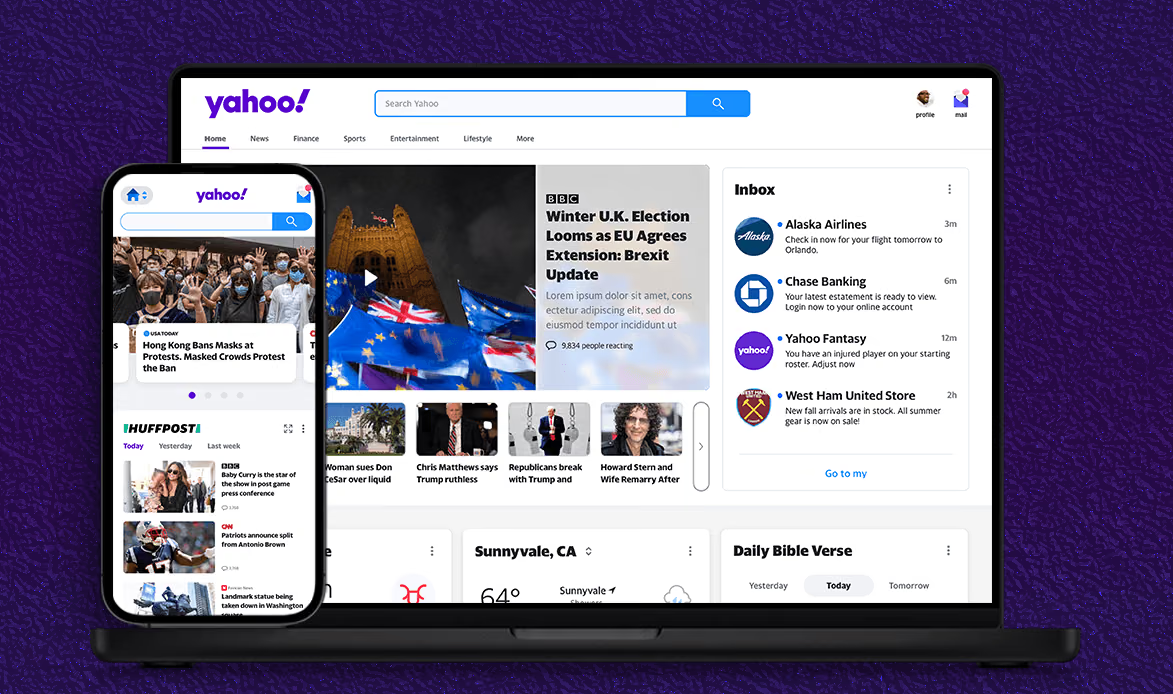
Transformed Yahoo.com into a modular, personalized dashboard — driving stronger daily engagement and retention.
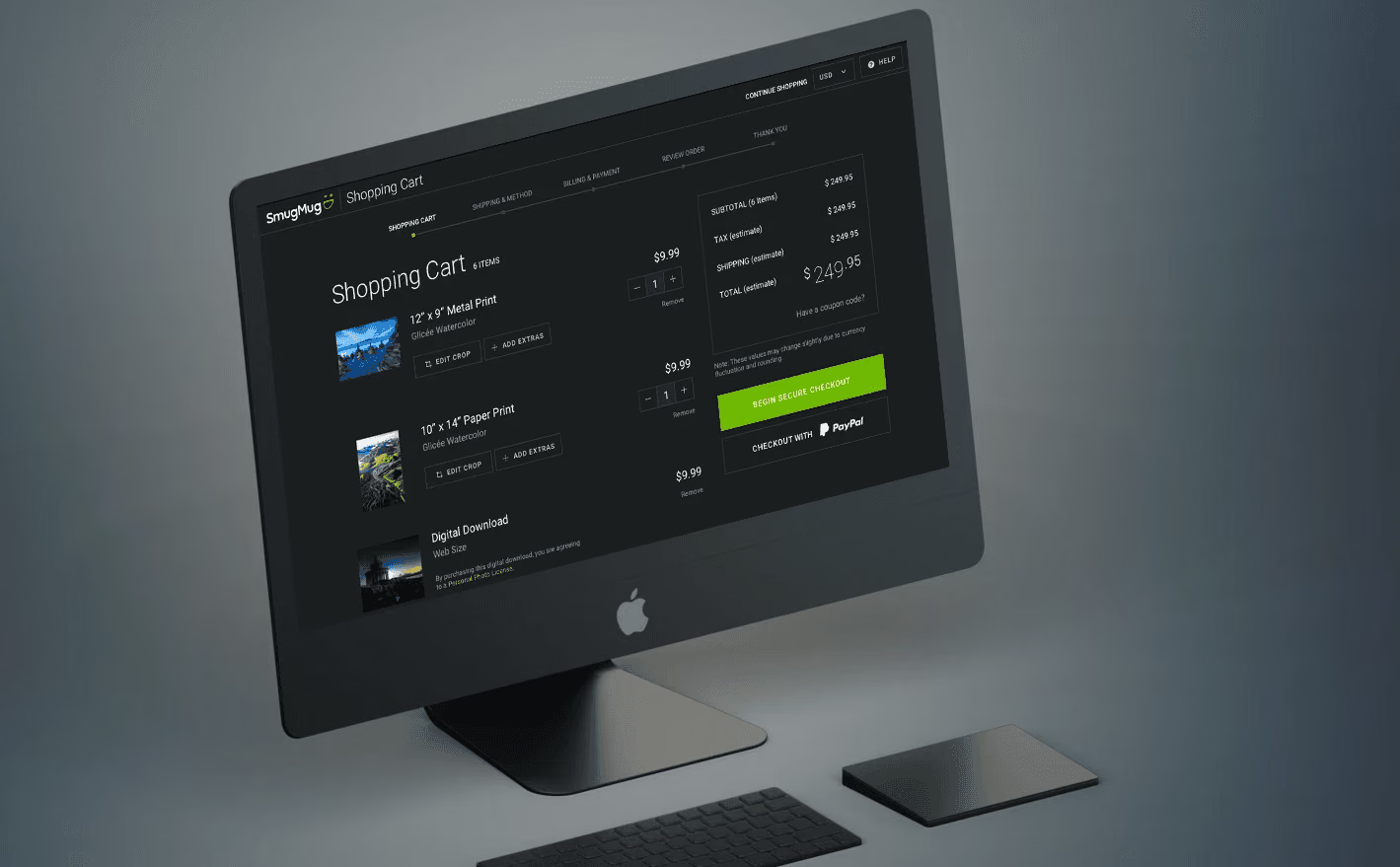
SmugMug · 2018
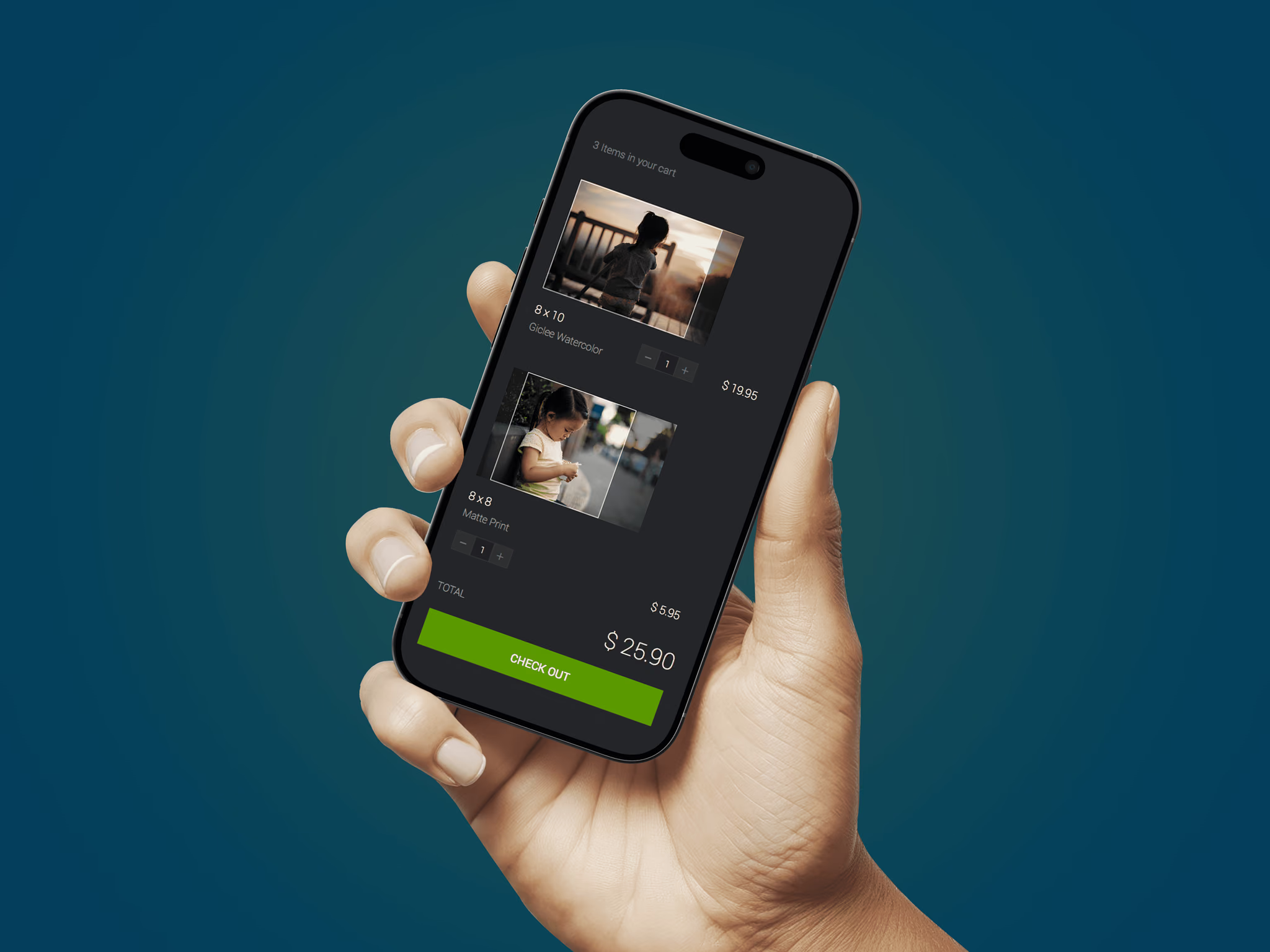
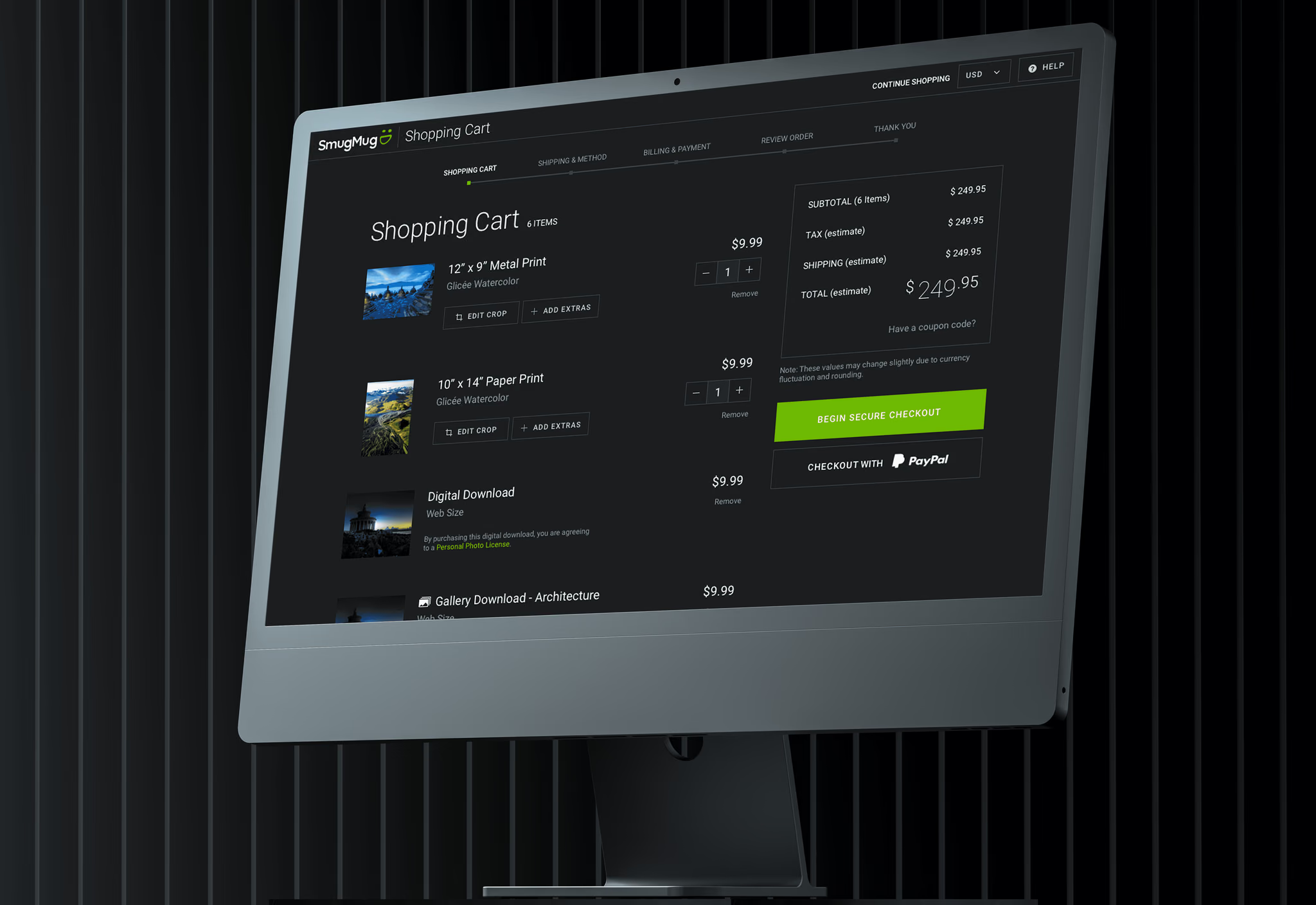
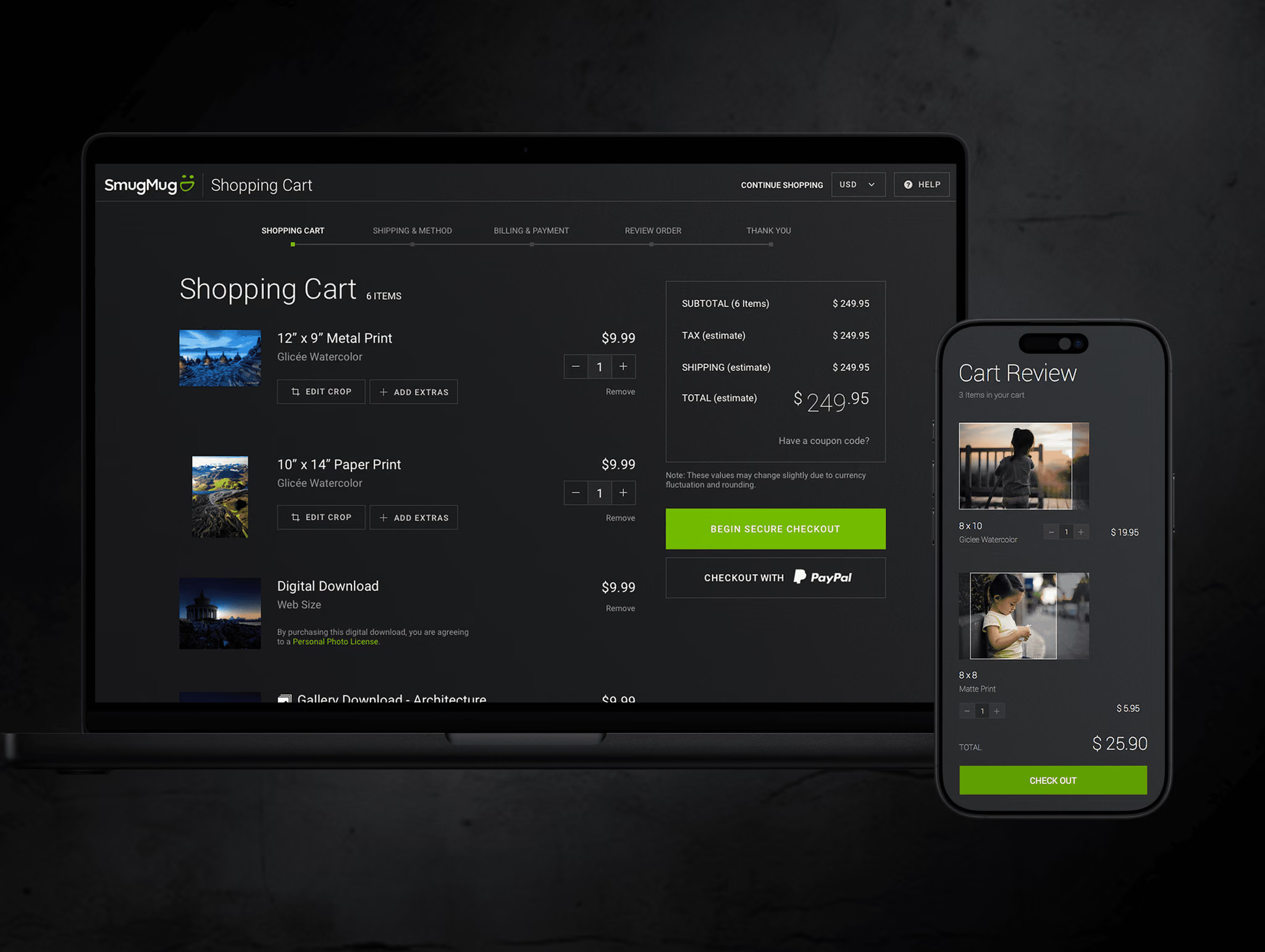
Rebuilt the checkout experience for millions of photographers — lifting print revenue 7% and conversion 8%.
0
Projects
0
Clients
0
Years experience
0
Years in dog years
About Me
I'm a product design leader based in Southern California. For 15+ years, teams at Meta, LinkedIn, Coinbase, and Intuit have brought me in to solve their hardest design problems — and ship the results.
My background in Psychology and Human-Computer Interaction means I don't just make things look right — I make them work right. I lead cross-functional teams, set design standards that scale, mentor designers, and deliver measurable outcomes that move business metrics.
When I'm not designing, you'll find me coaching Little League, racing cars, DJing, shooting photos, or at the ballpark.
Capabilities
Strategy & Direction
I define problems, map scope, and build roadmaps that align cross-functional teams from early concept through launch and iteration.
Design Systems
I build scalable component libraries and visual standards that help teams ship faster, more consistently, and with less design debt.
AI Product Design
I design trust-building interfaces for AI agents and generative tools, from conversation flows to autonomous workflows at enterprise scale.
UX & Interaction Design
I design human-centered experiences grounded in research, turning complex flows into products that drive engagement and delight users.
Native App Design
I design mobile-first experiences for iOS and Android that feel seamless, natural, and engaging across devices and platforms.
User Research
Grounded in my background in Psychology and Human-Computer Interaction, I uncover user behavior, synthesize findings, and translate insights into actionable product decisions.
Experience
Product Designer, Discovery — Notifications
Shipping notification quality improvements across Facebook and Instagram. Previously redesigned Facebook profiles, driving +64% scroll engagement.
Senior Product Designer
Led product design for Hiring Assistant, LinkedIn's first AI agent — reaching 57% adoption and earning the Company Innovation Award.
Senior Product Designer
Simplified SMB onboarding (10K+ applications) and designed multi-user team accounts for enterprise crypto management.
Product Design Lead
Led design for Intuit Assist, lifting NPS 12 points. Built the AI design system, redesigned the expert platform, and modernized Learning Academy.
Senior Product Designer
Transformed Yahoo.com into a personalized, modular dashboard to strengthen daily engagement and retention.
Product Designer
Rebuilt the print checkout experience for millions of photographers — lifting revenue 7% and conversion 8%.
Testimonials
"Chris is a very detail-oriented designer and is great at communicating design decisions to product and engineering teams. He's extremely knowledgeable about both design and technology. He'd make a tremendous addition to any UX team."

"Chris can take a product from conceptual thinking all the way to deployment. He understands and embraces project limitations such as time, tech debt, and scope. A great colleague who provides thoughtful feedback. His impact is already missed."

"Chris understands what it takes to design an effective user experience. During focus group testing, respondents overwhelmingly had a favorable impression of the app design. I would work with Chris again in a heartbeat."

"Chris is a great UI/UX Designer with attention to detail and always looking to better his craft. He's always willing to help other designers with feedback and constructive criticism. All-in-all, a great member to have on your team."

"Chris is a very detail-oriented designer and is great at communicating design decisions to product and engineering teams. He's extremely knowledgeable about both design and technology. He'd make a tremendous addition to any UX team."
"Chris can take a product from conceptual thinking all the way to deployment. He understands and embraces project limitations such as time, tech debt, and scope. A great colleague who provides thoughtful feedback. His impact is already missed."
"Chris understands what it takes to design an effective user experience. During focus group testing, respondents overwhelmingly had a favorable impression of the app design. I would work with Chris again in a heartbeat."
"Chris is a great UI/UX Designer with attention to detail and always looking to better his craft. He's always willing to help other designers with feedback and constructive criticism. All-in-all, a great member to have on your team."
Contact
Looking for a design leader who ships outcomes, not just pixels? I'd love to hear what you're working on.
9 min read
57%
Product adoption rate
6%
Lift in job posting revenue
$230K
Revenue from Promoted Plus
🏆
Innovation Award winner
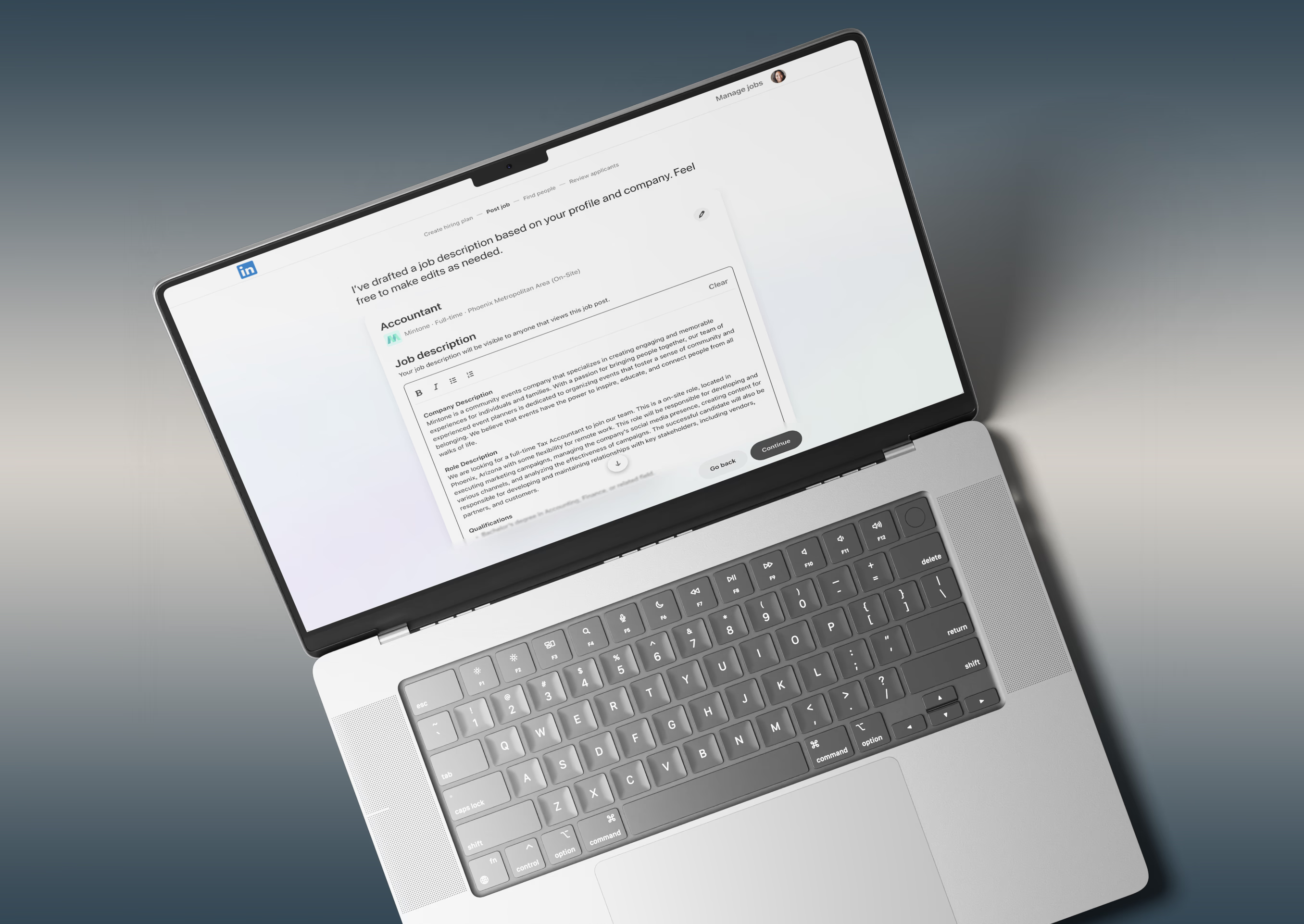
Hiring great talent is hard — especially for managers without a recruiting background. At LinkedIn, we set out to reimagine the hiring experience by designing an AI-powered assistant that helps managers write better job descriptions, source stronger candidates, and streamline the hiring process — all within LinkedIn Recruiter.
I helped lead product design from initial vision through launch, working across design strategy, prototyping, research, and delivery — as well as presenting to executives and completing final QA. The project earned the LinkedIn Company Innovation Award.
LinkedIn Recruiter was experiencing inconsistent and inefficient hiring workflows, which impacted non-recruiter hiring managers by increasing time-to-post, lowering confidence in candidate quality, and reducing engagement with advanced tools.
This mattered because hiring friction directly influences job posting revenue, customer retention, and perceived platform value.
Our goal was to design an AI-powered assistant that reduced cognitive load, accelerated decision-making, and increased hiring confidence — while preserving human control and aligning with LinkedIn's broader AI strategy.
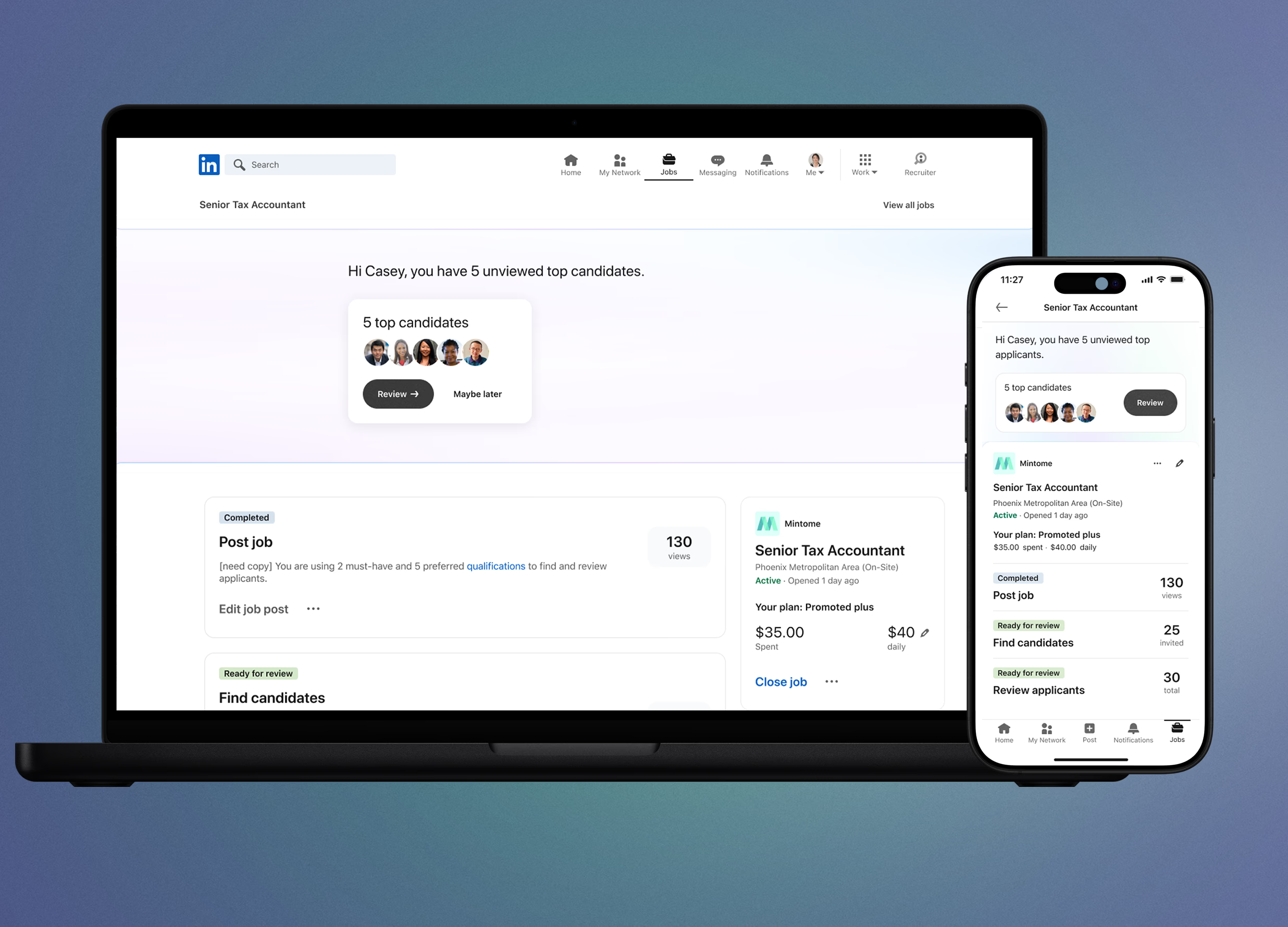
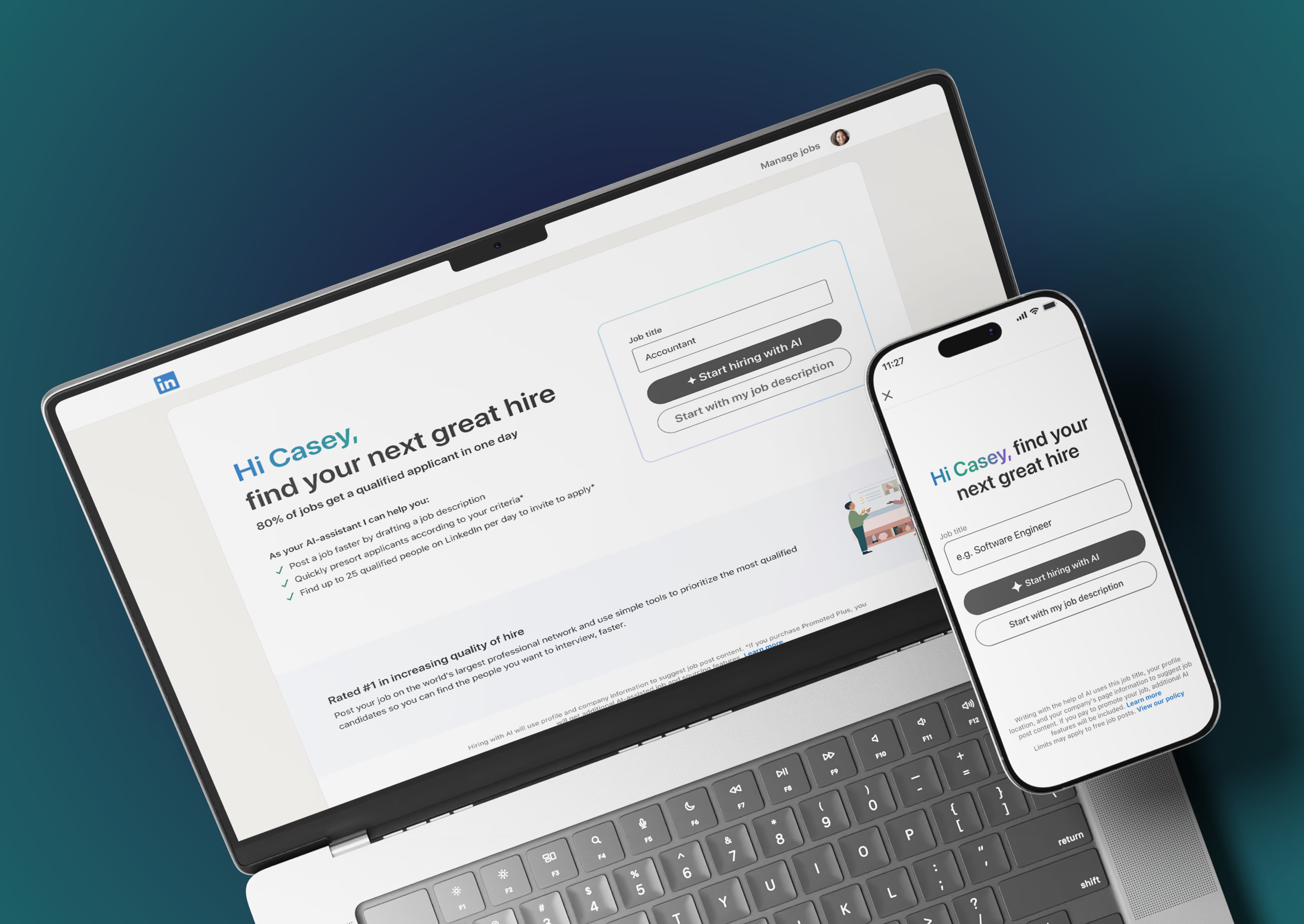
We designed "Hiring Assistant," a smart layer inside LinkedIn Recruiter that helps managers post jobs, discover talent, and evaluate candidates — all with help from AI. The experience was rolled out in two phases: first, a lightweight posting and sourcing flow; then a more refined, customizable workflow based on beta feedback.
In early workshops, our team generated dozens of ideas to reimagine the hiring journey with AI. We aligned around a vision that focused on simplicity, clarity, and confidence — empowering managers, not replacing them. To gain stakeholder buy-in, we created high-level concept prototypes showing the end-to-end assistant experience.
To validate value quickly, I advocated for a constrained MVP focused on three key capabilities:
This allowed us to test behavioral shifts without over-investing in unproven workflows.
During our "Friends & Family" closed beta, we gathered qualitative and quantitative feedback from high-value customers. These findings directly informed our Phase 2 design updates:
User feedback revealed a strong desire for more control and transparency. We pivoted from automation-first to collaboration-first:
This moved the experience from black-box automation to visible collaboration.
Posting process — guided review flow replacing 1-click publishing
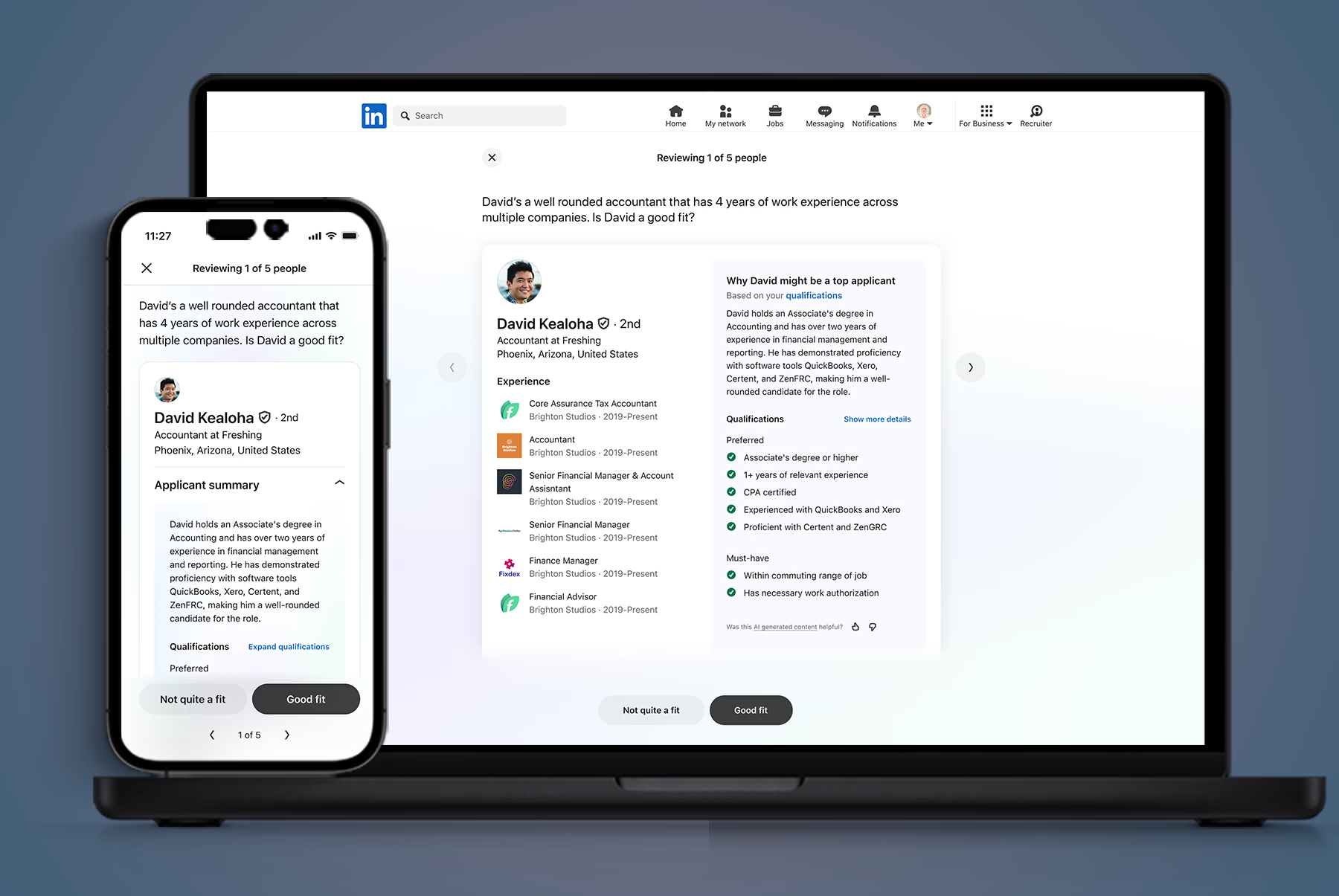
Sourcing flow — "Why this candidate?" reasoning modules
As we were developing this product, other agentic products were being built across the company. We were all working in tandem and eventually consolidated to work together in a new "agentic" design system. I helped develop this new design system to work across the company — defining reusable AI behavior patterns, establishing emerging agentic standards, and aligning components with LinkedIn's design system to reduce downstream fragmentation.
Landing page — Phase 1 vs Phase 2:
Candidate experience — Phase 1 vs Phase 2:
Hiring plan — Phase 1 vs Phase 2:
Trust is still an issue with AI — transparency features like "Why this candidate?" increased trust. Time-saving features were a clear value driver, with managers appreciating better candidate matches.
Cross-platform fragmentation — eng and product teams didn't always work cross-platform, and most features were developed at different speeds, fidelities, and had different launch schedules. It was challenging to corral these as a platform-agnostic designer.
Innovation vs. shipping — in order to launch on time and find a happy medium with other parts of the product, we were limited in what type of innovative ideas and experiences we were able to ship.
Hiring Assistant marked a strategic inflection point: defining how AI could responsibly augment professional workflows at scale. The future of AI in hiring isn't replacement — it's structured augmentation. This project operationalized that principle across product, platform, and business outcomes.
Intuit
9 min read
+12
NPS score increase
15 min
Reduction in average help times
88%
Expert engagement rate
28%
Reduction in silence or hold time
Tax experts spend most of their day supporting customers who often have complicated questions and emotional financial concerns. We saw an opportunity to ease that cognitive load by integrating Intuit Assist directly into expert workflows. The goal was to help tax experts work more efficiently while building stronger relationships with customers.
I helped lead product design from initial vision through launch, working across design strategy, prototyping, research, and delivery — as well as presenting to executives and completing final QA.
Research with experts surfaced three core challenges:
Our objective was to automate repetitive tasks, improve access to contextual information, and support experts in providing thoughtful communication. We framed our design direction around a set of guiding questions:
We began with moderated studies focused on watching customer and expert interactions in real time. We paired that work with interviews that captured daily frustrations and opportunities. Privacy requirements were strict, so we used anonymized journeys and aggregated insights — preserving user trust while giving us enough signal to move with confidence.
This work required strong alignment across Intuit Assist and the broader AI organization. We partnered closely with engineering and product leadership to ensure our solutions could scale across products and future capabilities.
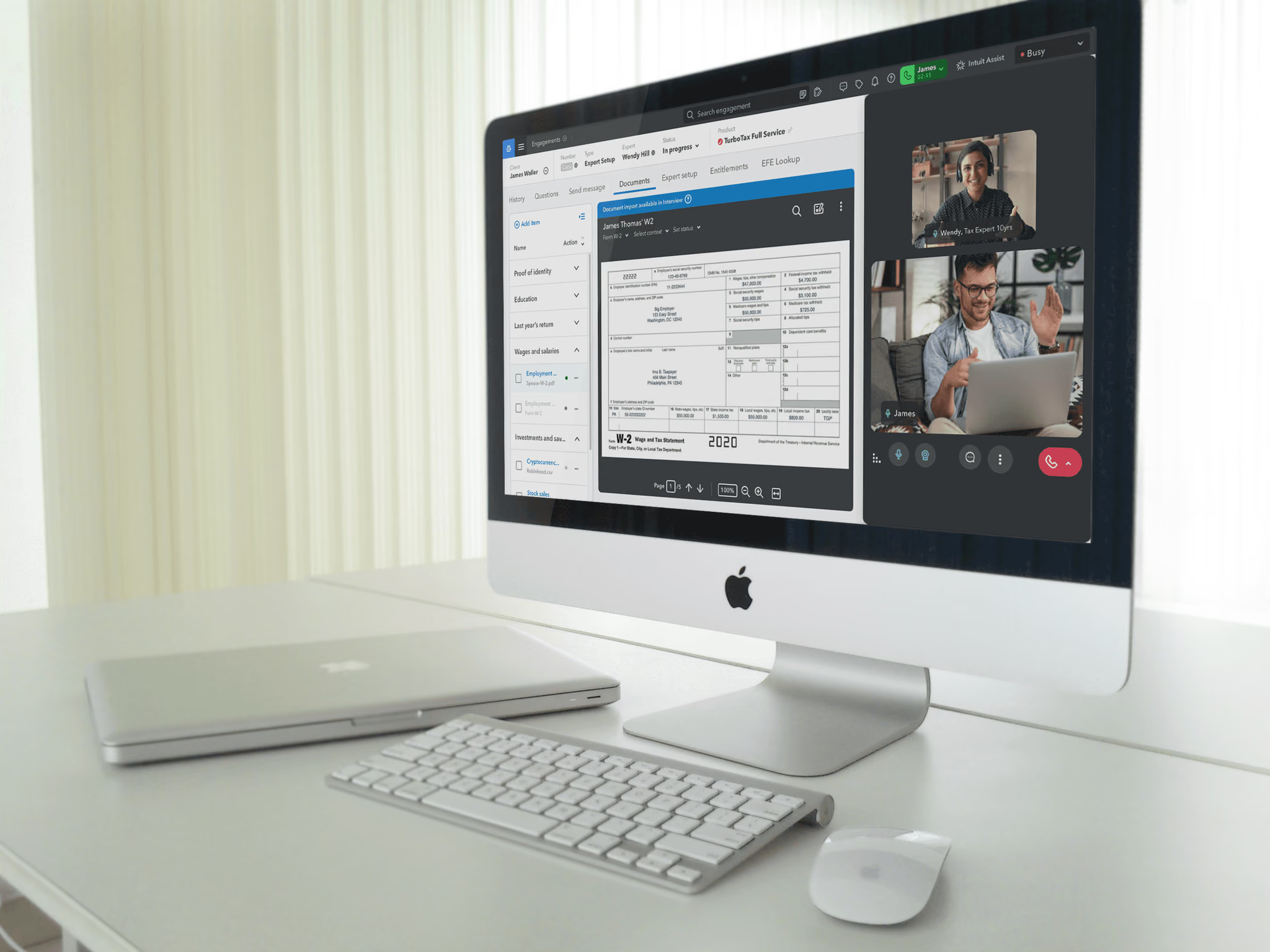
Experts interact with customers across text, email, video, and calls — each channel introducing a different workflow. For the first release, we focused on customer support calls and divided the experience into three phases: before the call, during the call, and after the call. Each phase contains tasks that require time and attention. By introducing AI support into these moments, we aimed to reduce effort and keep experts focused on the conversation.
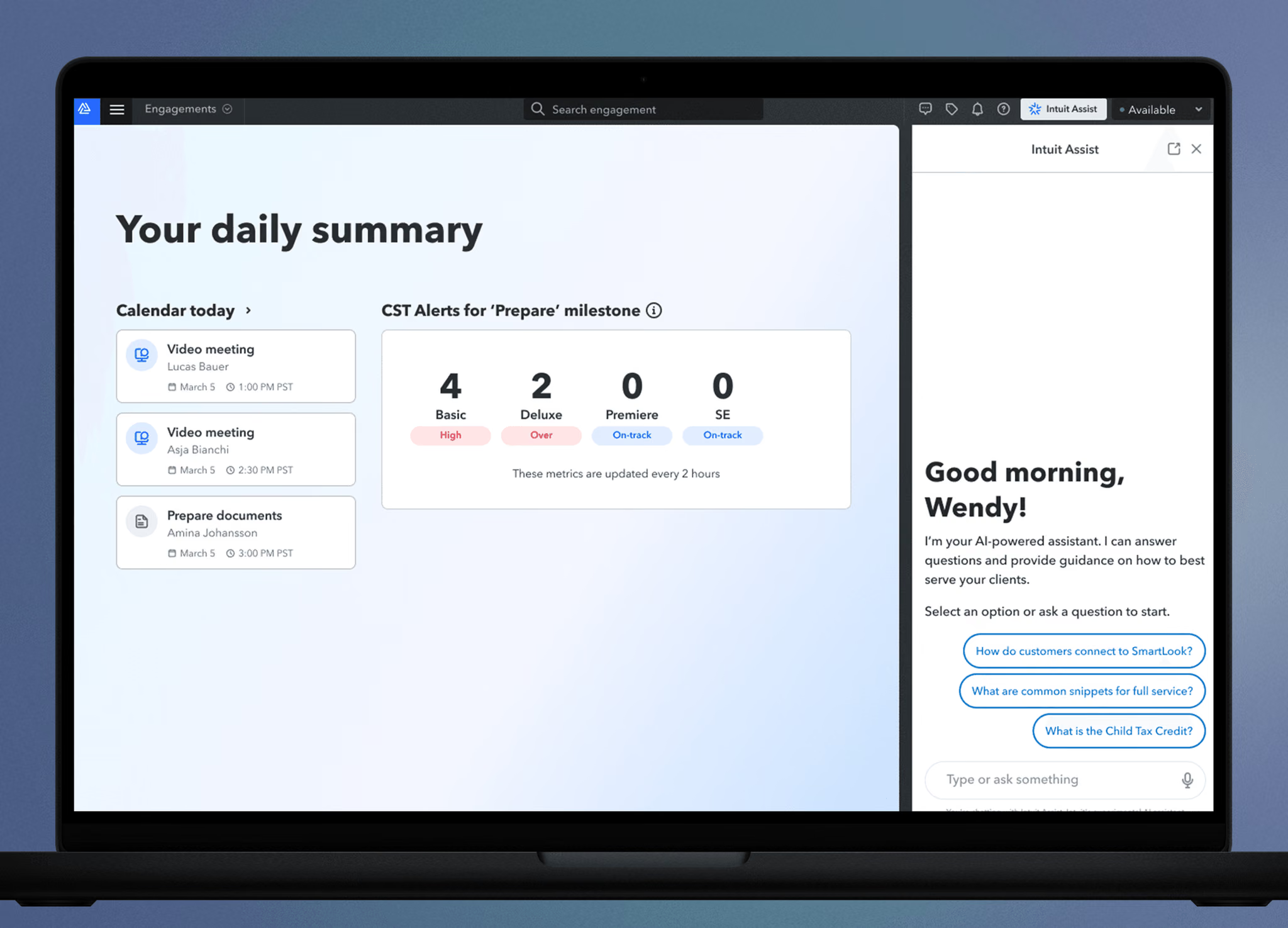
Experts needed access to Intuit Assist without sacrificing customer data on screen. After iterative testing, we placed a small entry button in the global header — preserving space for high-value information while keeping AI support available at any moment.
Entry point interaction — accessing Intuit Assist from the header
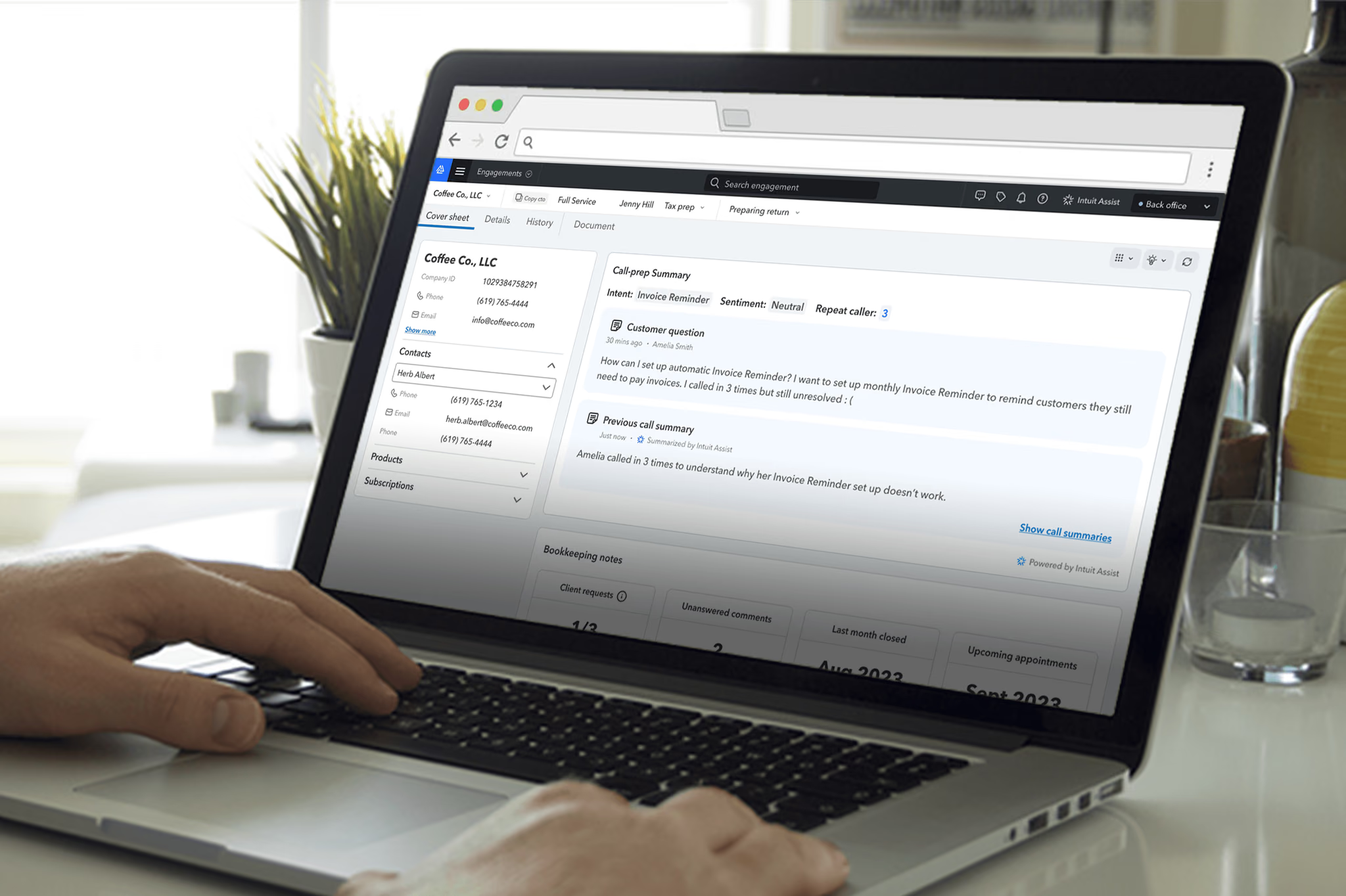
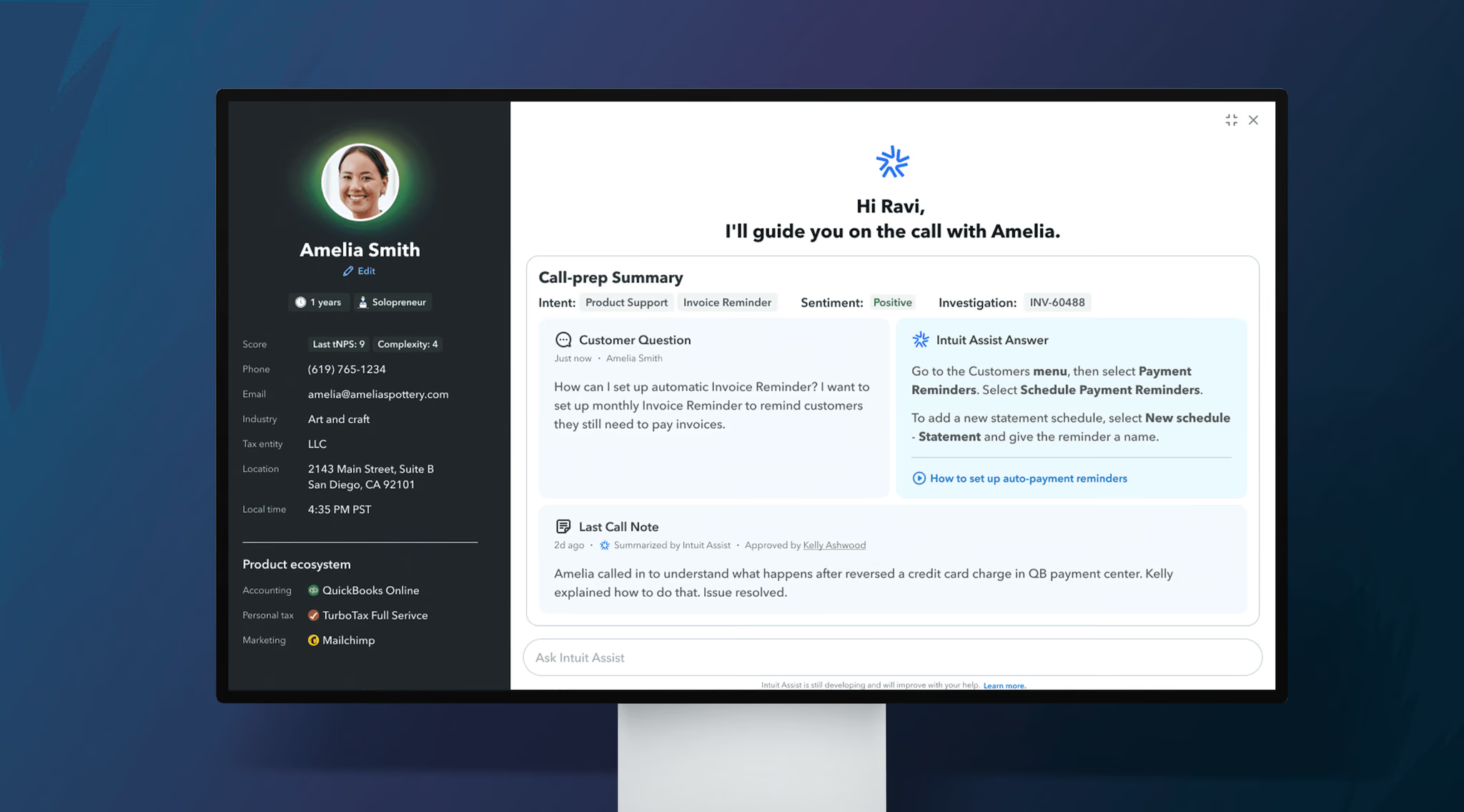
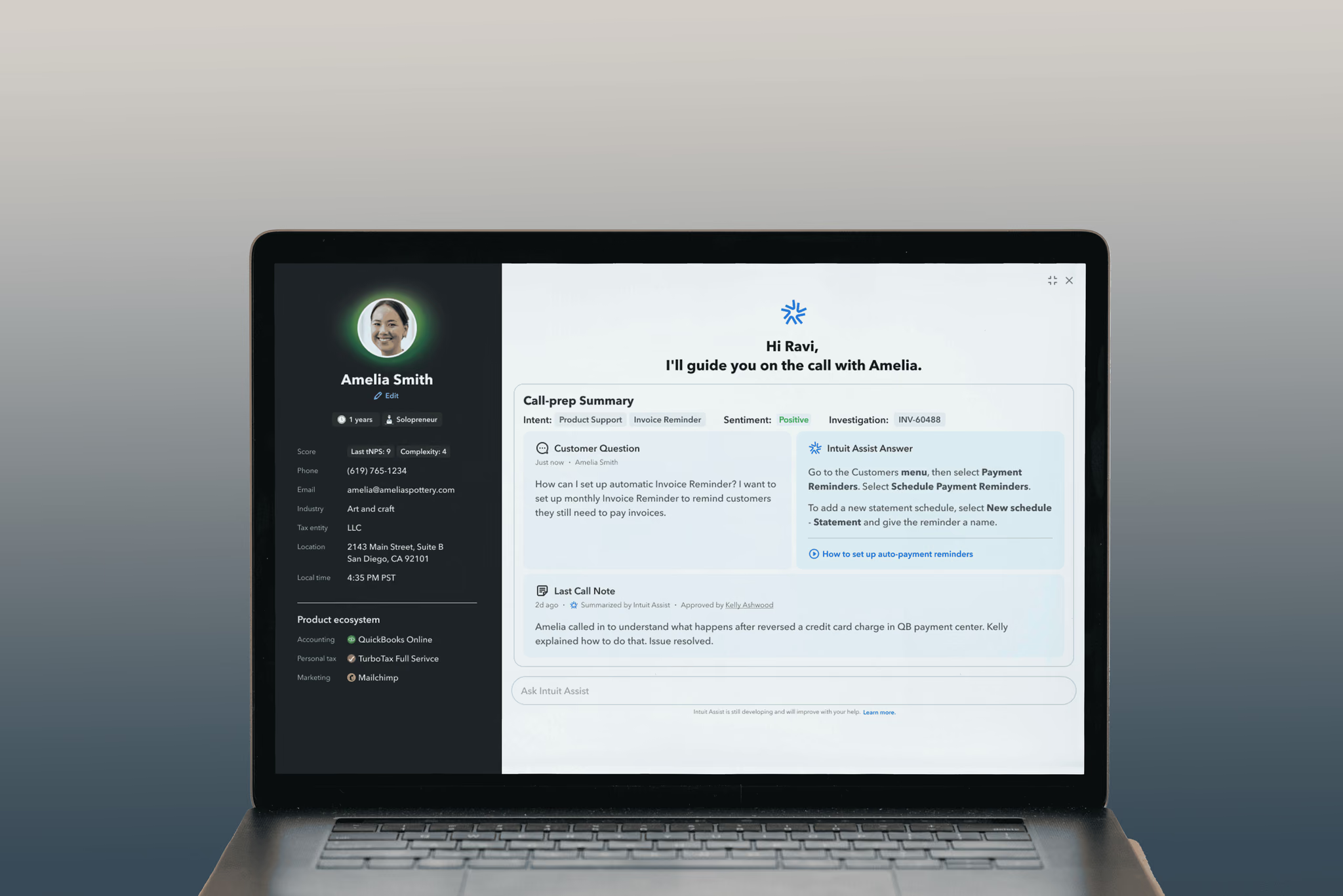
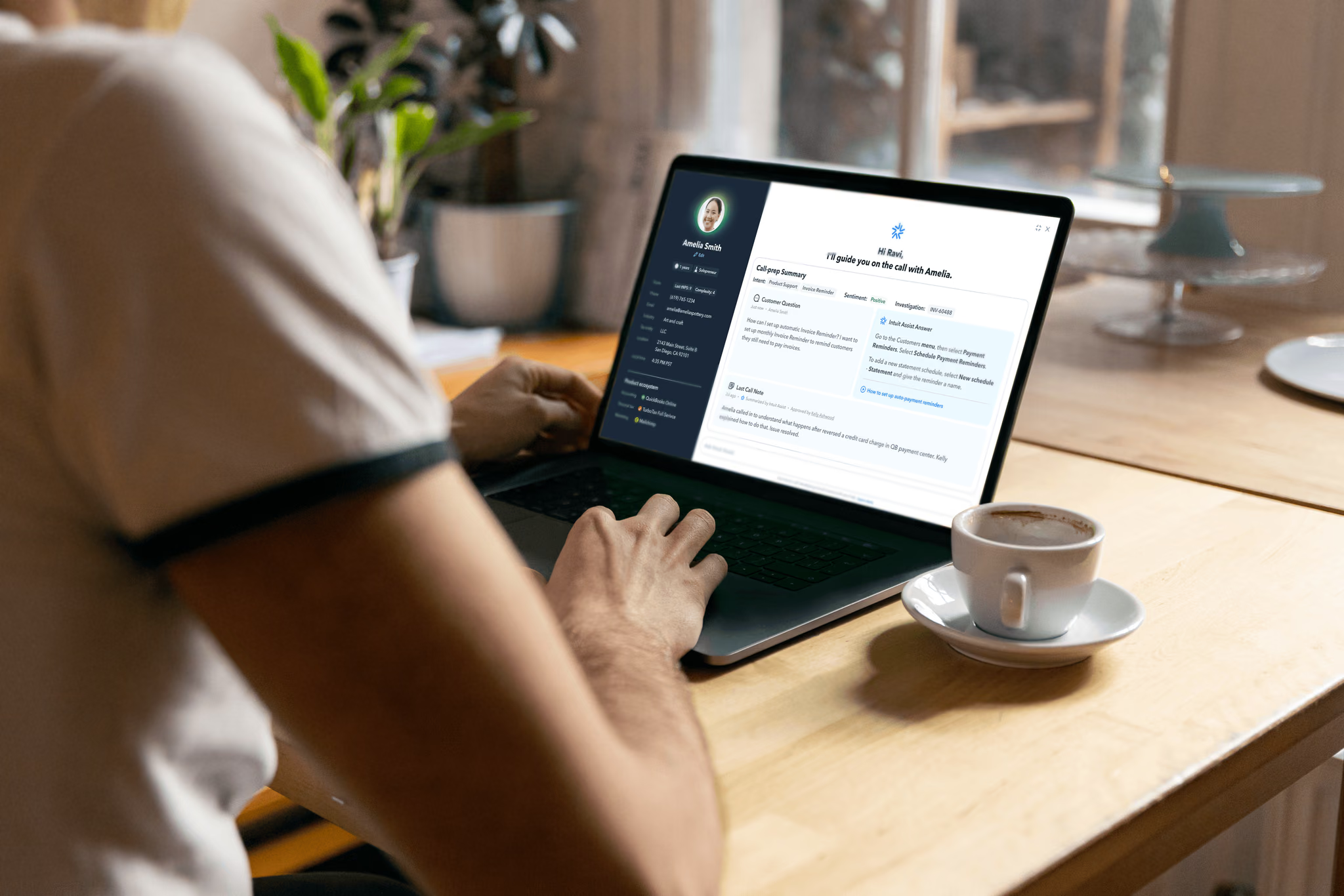
Intuit Assist automatically compiles essential customer details before an expert joins a call. This reduces time spent searching through records and helps experts prepare mentally for the interaction.
Pre-call summary — customer context compiled automatically
Experts can ask questions in plain language and receive instant answers. Early testing showed an average time savings of twelve minutes per call because experts no longer switched tabs or conducted manual searches.
Natural language Q&A — instant answers without tab-switching
Experts no longer need to take extensive notes. Intuit Assist monitors the conversation, captures key information, and creates structured documentation — leading to better continuity across future interactions.
In-call summary — automatic note-taking during conversations
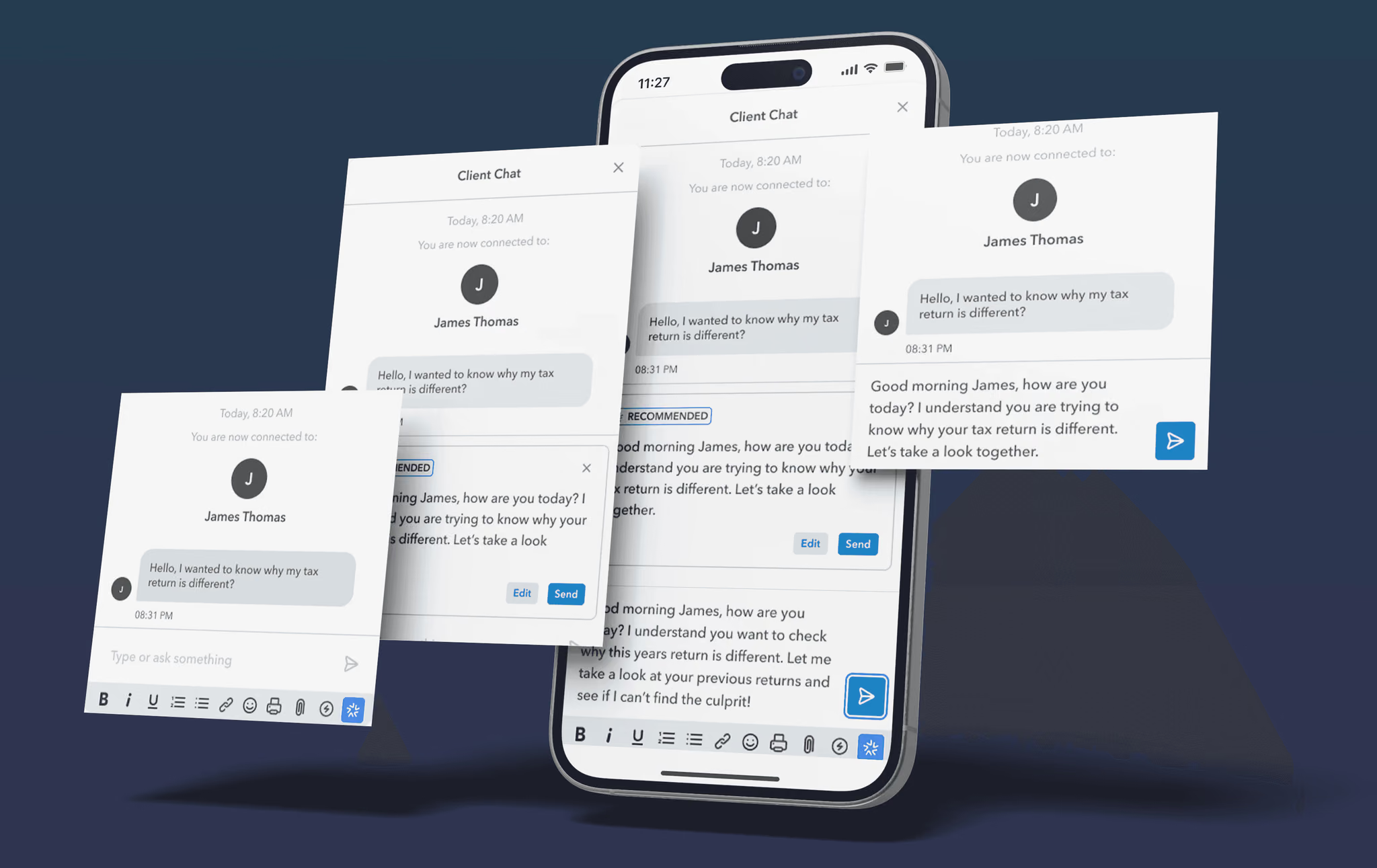
Intuit Assist suggests polished reply options that experts can edit to match their tone and personality. Recommendations are always optional — important for maintaining trust and autonomy.
Recommended responses — editable reply suggestions
Experts can react to AI output with thumbs up or thumbs down controls. This influences future improvements and helps refine the model over time.
In-product feedback — thumbs up/down to improve AI quality
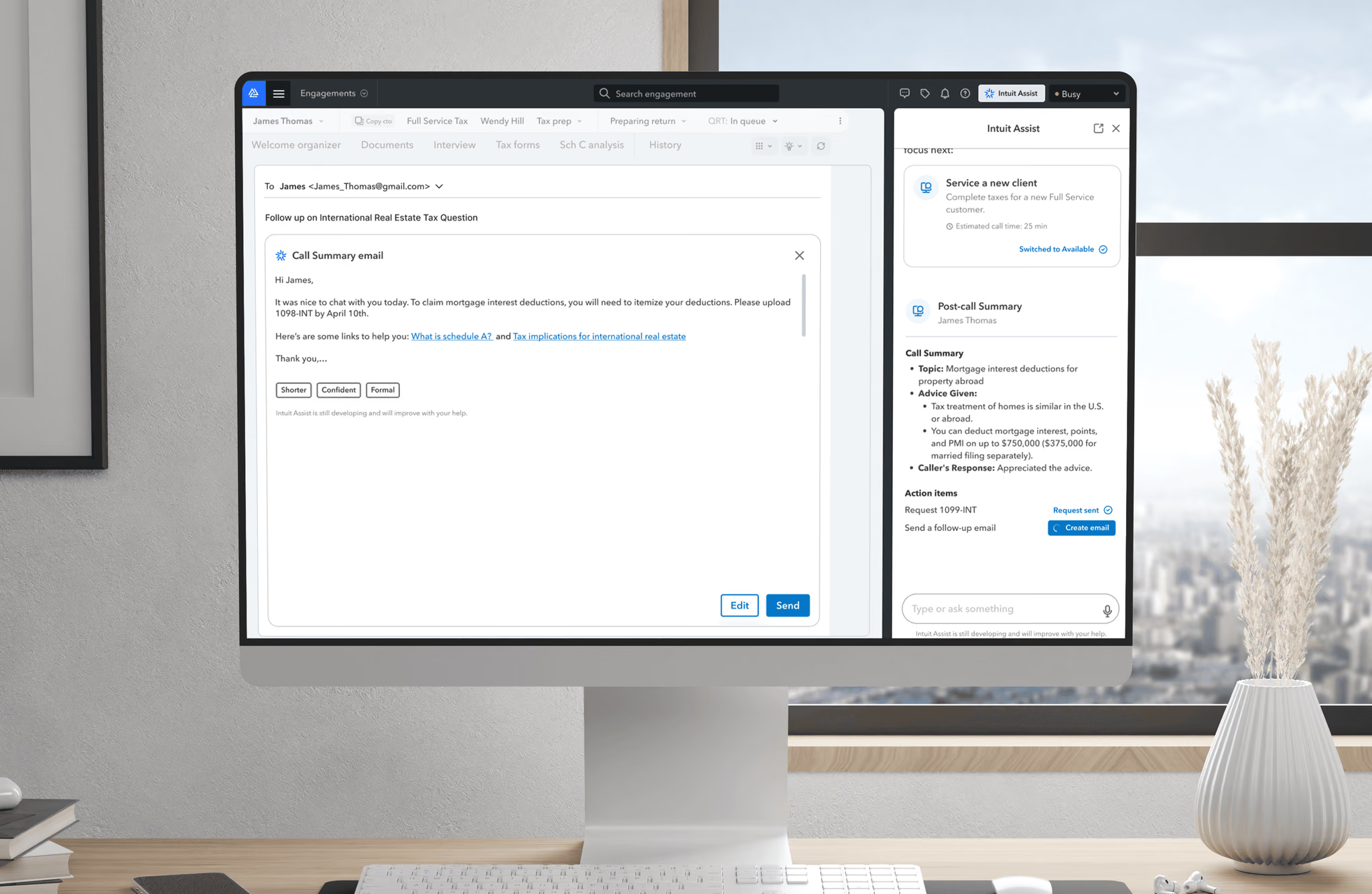
Intuit Assist drafts a structured follow-up email based on the call. Experts can adjust tone and length before sending — removing the effort of recalling key points and rewriting the same information.
Follow-up emails — AI-drafted with adjustable tone
To reduce friction, we introduced an animated onboarding moment that highlights the most helpful capabilities. We continued to experiment with guided tours and in-context prompts to improve feature discovery.
Onboarding experience — animated capability highlights
Customization improves adoption. Early adopters were enthusiastic about efficiency gains, and editing and approval controls increased trust in generated output. Based on follow-up testing, we added more editing controls for generated content and introduced quick-select options for training and faster adjustments.
Integrating Intuit Assist into expert workflows improved efficiency, clarity, and customer connection. By focusing on real problems, validating assumptions through research, and iterating with intention, we created an experience that helps experts do their best work while supporting meaningful customer relationships. The key lesson: design the AI as an assistant that amplifies human judgment, not one that replaces it.
Meta
7 min read
+64%
Scroll engagement
8%
Reduced bounce rate
15%
More profile & cover photo area
Facebook offers several profile types that allow people and organizations to represent themselves — personal profiles, additional profiles, professional profiles, and community profiles. However, users often struggled to understand the differences between these entities, especially between Personal Profiles and Professional Profiles (formerly Pages).
We also needed to meet legal requirements for displaying when a profile represents a business entity. I helped lead product design from initial vision through launch, working across design strategy, prototyping, research, and delivery.
Our privacy and integrity partners asked us to improve how we surface two key aspects of an entity:
These requirements applied to all profile types and needed to remain discoverable without creating clutter.
User pain points:
Product goals:
The initial request originated from an executive concern that the profile surface felt cluttered. This triggered a broader redesign that had implications for privacy, integrity, and policy adoption. Before moving into concepts, I collected requirements from each partner team and audited the current experience. The priority was understanding what integrity signals needed to remain visible and how far they could move without breaking compliance.
We examined the four existing profile types and confirmed how visually similar they looked. There were minimal cues to help users understand whether an account represented a person, a business, or a community.
In the current design, we displayed a "Page" label in the About section. Feedback showed that the label felt heavy, consumed more space than necessary, and users did not understand what it represented — but removing it would violate privacy and integrity requirements.
For the first pass, we explored adding a new visual element that could signal entity type without removing required disclosures — testing variations with icons, subtle labels, or category only. Feedback from partner teams established firm constraints:
Because scale and localization made new elements costly, we shifted toward structural changes. We tested relocating labels into the header or into the details area — each approach requiring review from Privacy, Legal, and Integrity.
At the same time, we pursued a smaller header as part of our content-first initiative. We tested:
The net gain was about 54 pixels of usable space, although this raised new privacy requirements we needed to meet.
After rounds of reviews with Legal, Privacy, and Integrity, we landed on a structure that preserved required text and entry points, reduced visual clutter, increased space for primary content, improved accessibility, and did not increase section height.
We applied this approach across Additional and Professional Profiles, and then to Community Profiles. We also accounted for existing differentiators like varying primary CTA placements, usernames for eligible entities, and the verified badge. Together these produced a clearer hierarchy between the four main profile types.
Based on these learnings, we updated the design so the arrow navigates directly to integrity information, and all required integrity elements remain visible within one tap.
Additional Profile — Before and after:
Community Profile — Before and after:
At Facebook's scale, the most valuable design skill isn't visual — it's building alignment across teams with competing priorities. The constraints weren't the enemy of good design; they were the design problem itself. We continue monitoring performance and usage around sizing, spacing, interaction patterns, and content scanning behavior to optimize clarity across profile types.